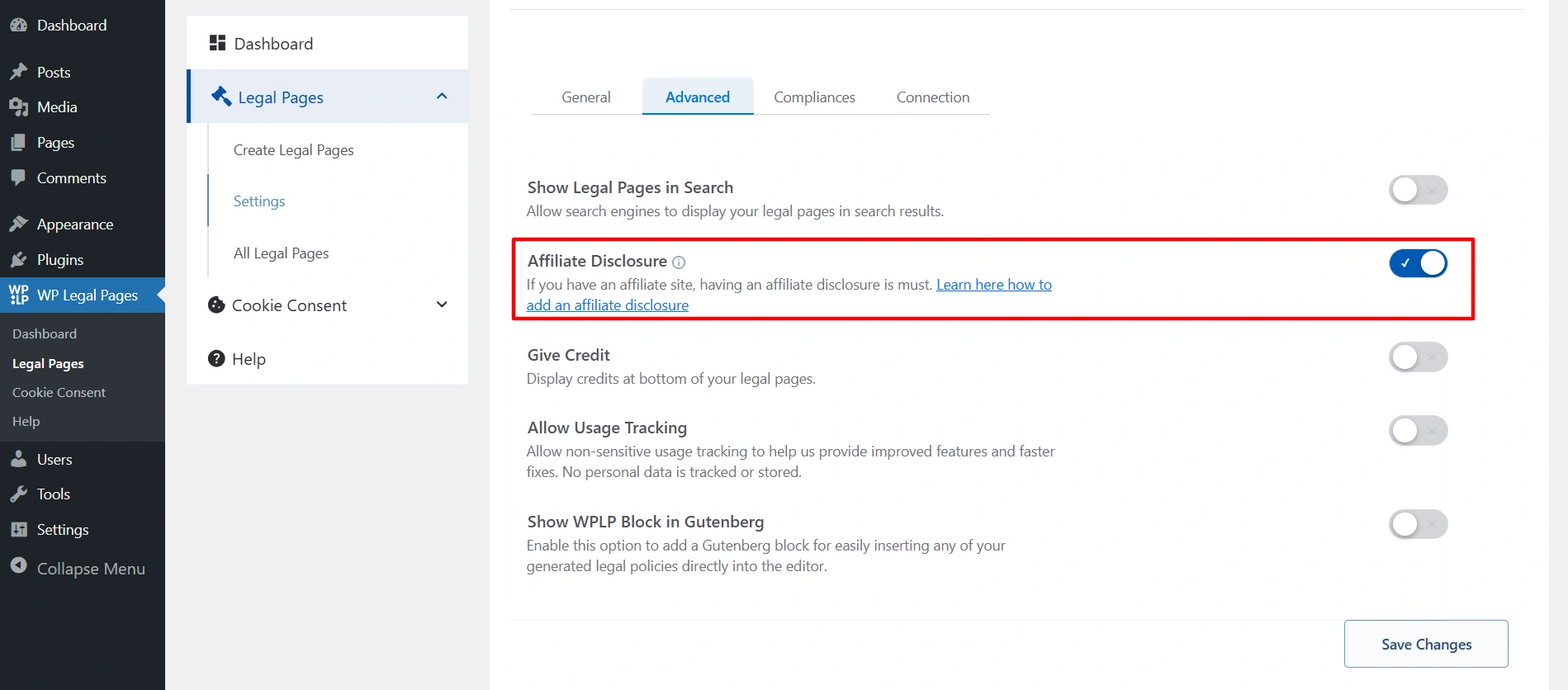
Navigate to your WordPress dashboard, and click on Legal Pages > Settings > Advanced.
Simply switch on the toggle for Affiliate Disclosure.
Create a page to display the disclosure, or open the page where you want to show it.
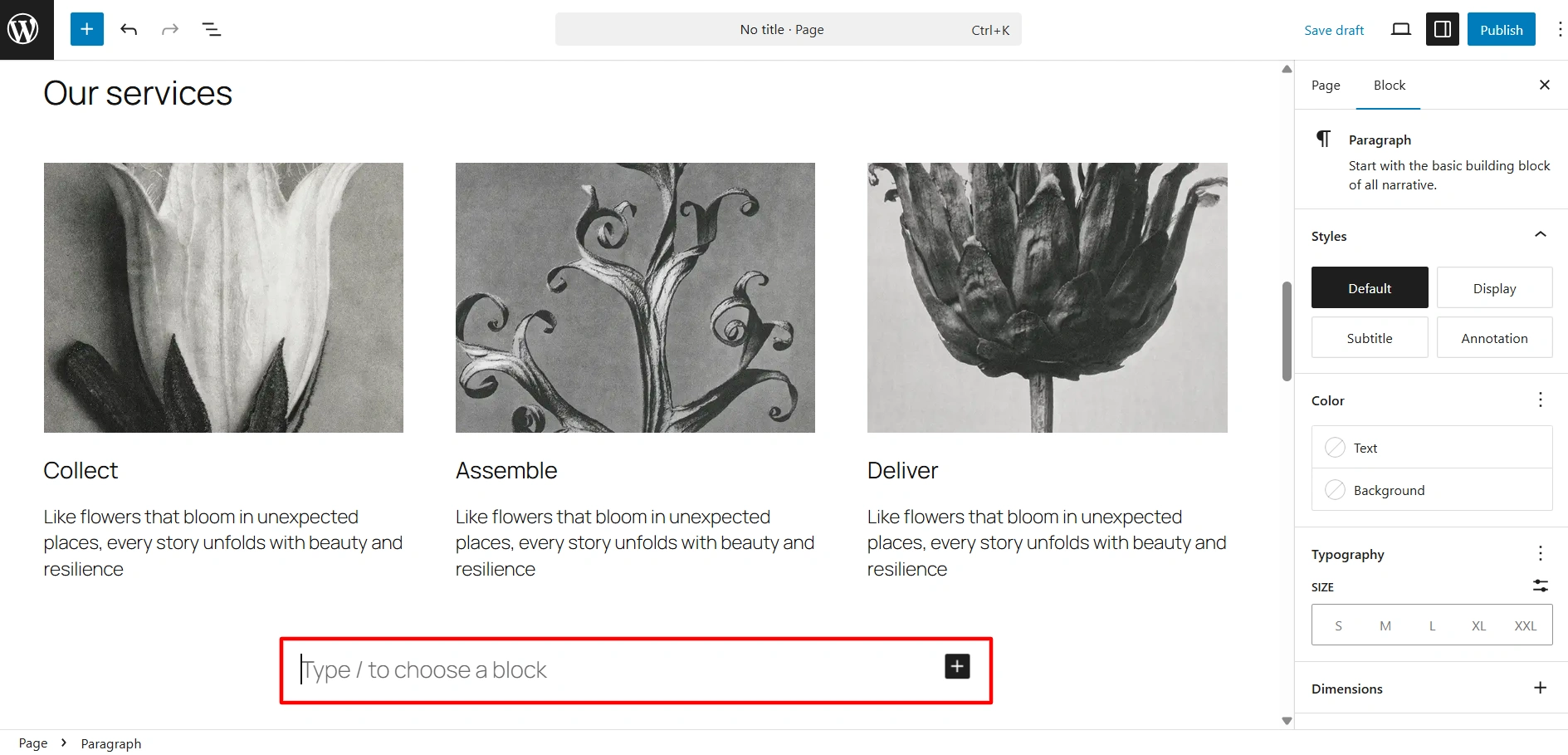
Click on the Add Blocks Icon. And select the affiliate block.
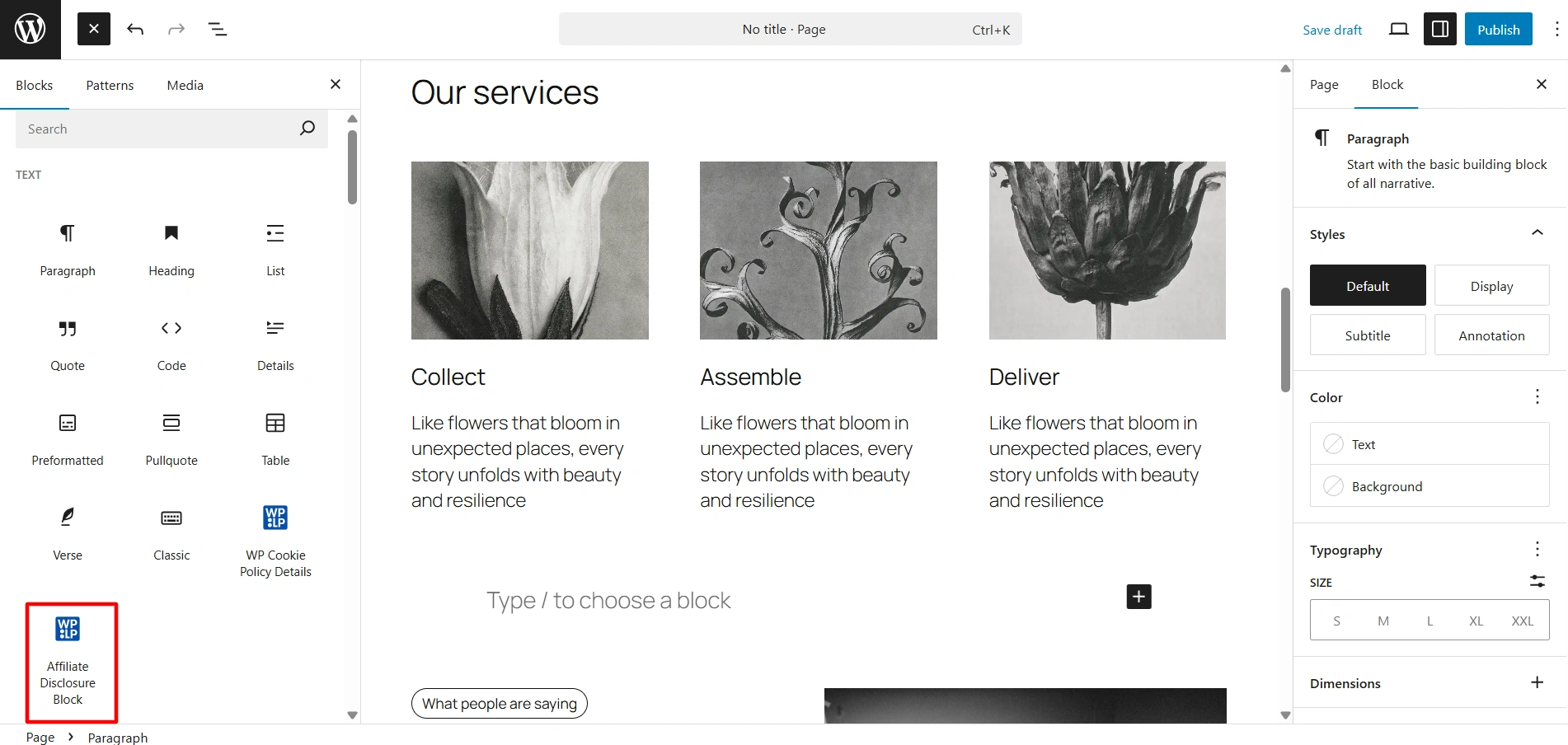
Drag and drop the block where you want to place it.

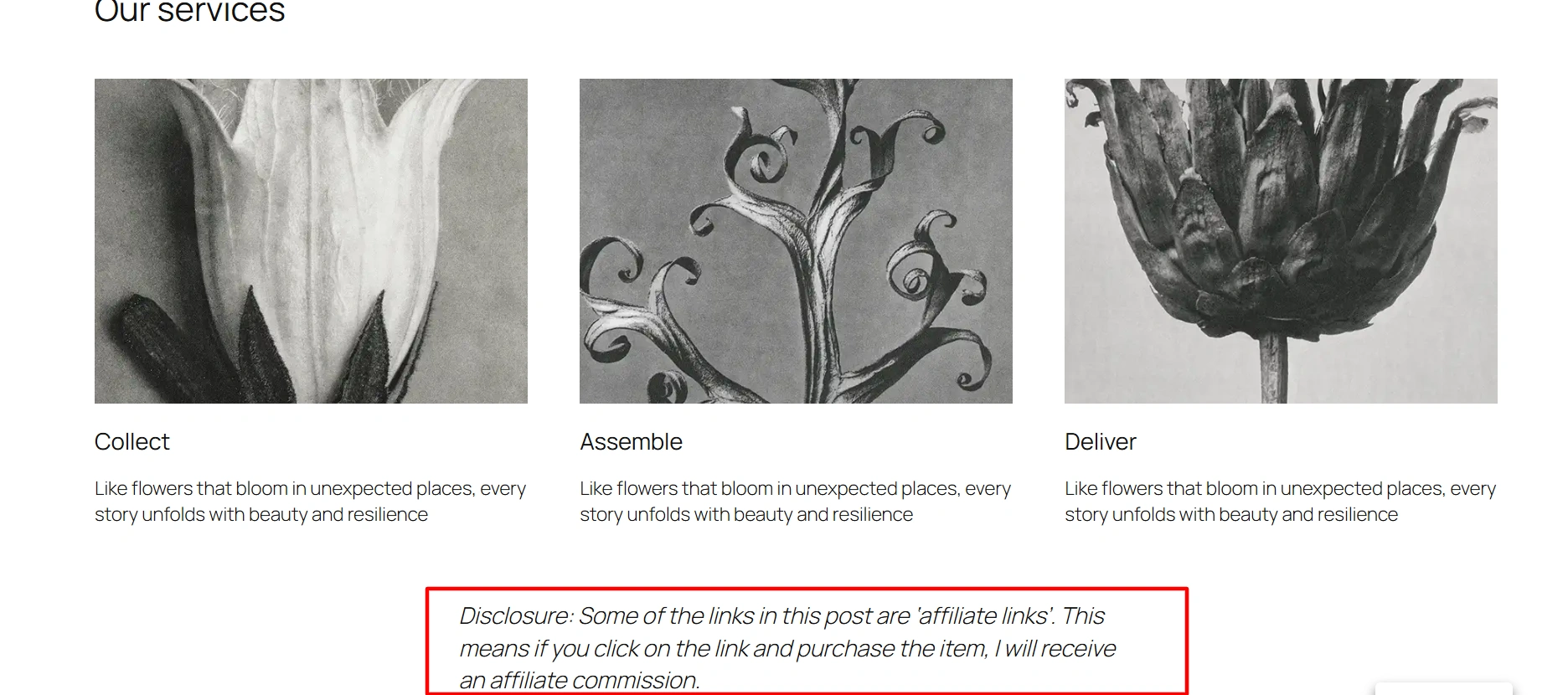
And this is what it will look like on your page.