• WordPress Compliance for Agencies •

Manage Compliance For All Client Sites From One Dashboard

For agencies, freelancers, and developers running WordPress sites for more than one client. One login for cookie consent and legal pages across the whole roster, at a price that doesn’t climb every time you win new business.

• Why Agencies Choose Site Admin •

Built for Agencies Managing, Multiple Client Sites

Everything you need to stay compliant, save time, and deliver more value to your clients, without the extra work.

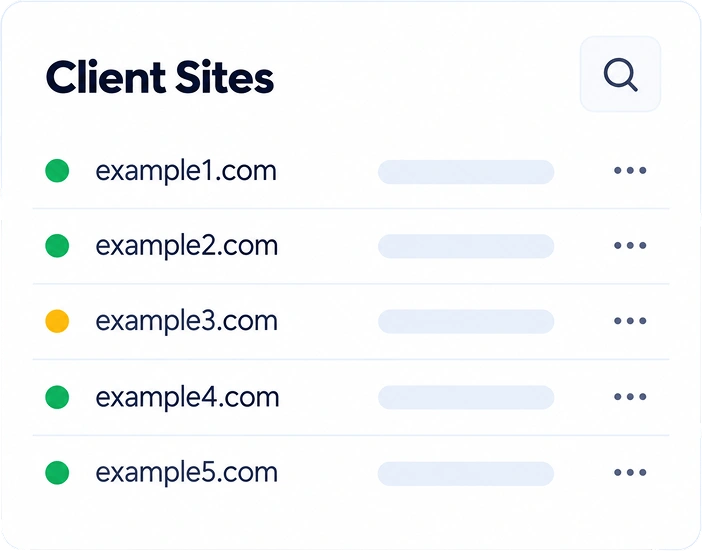
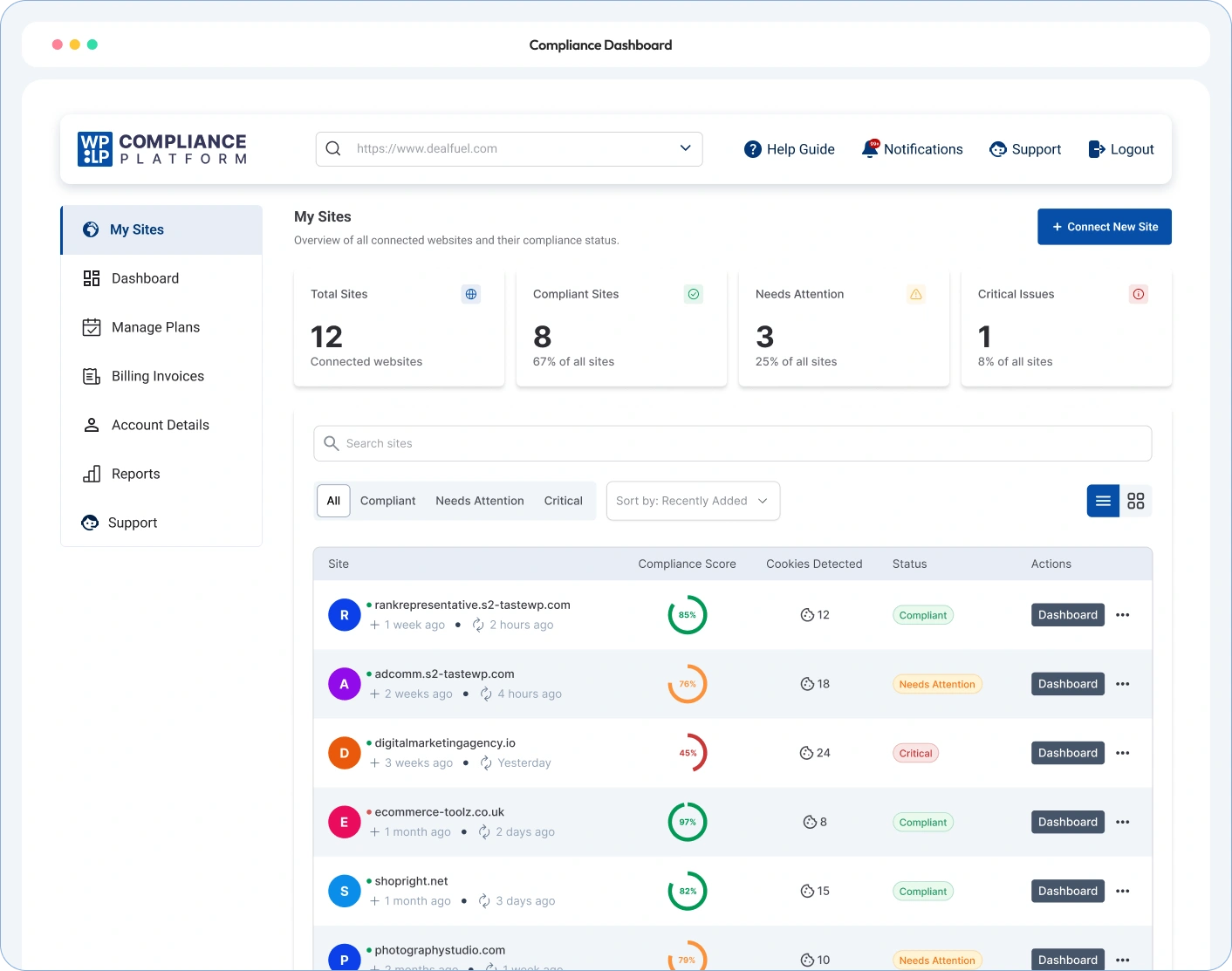
Manage All Client Sites

Add, organize and manage every client site from a single dashboard.

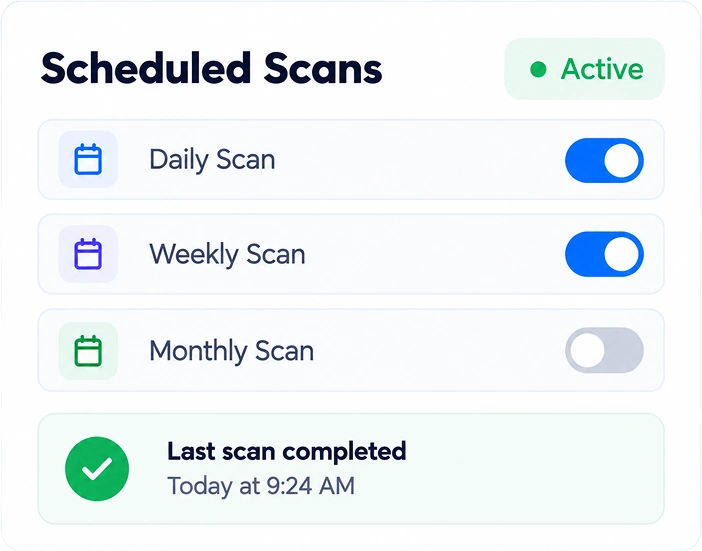
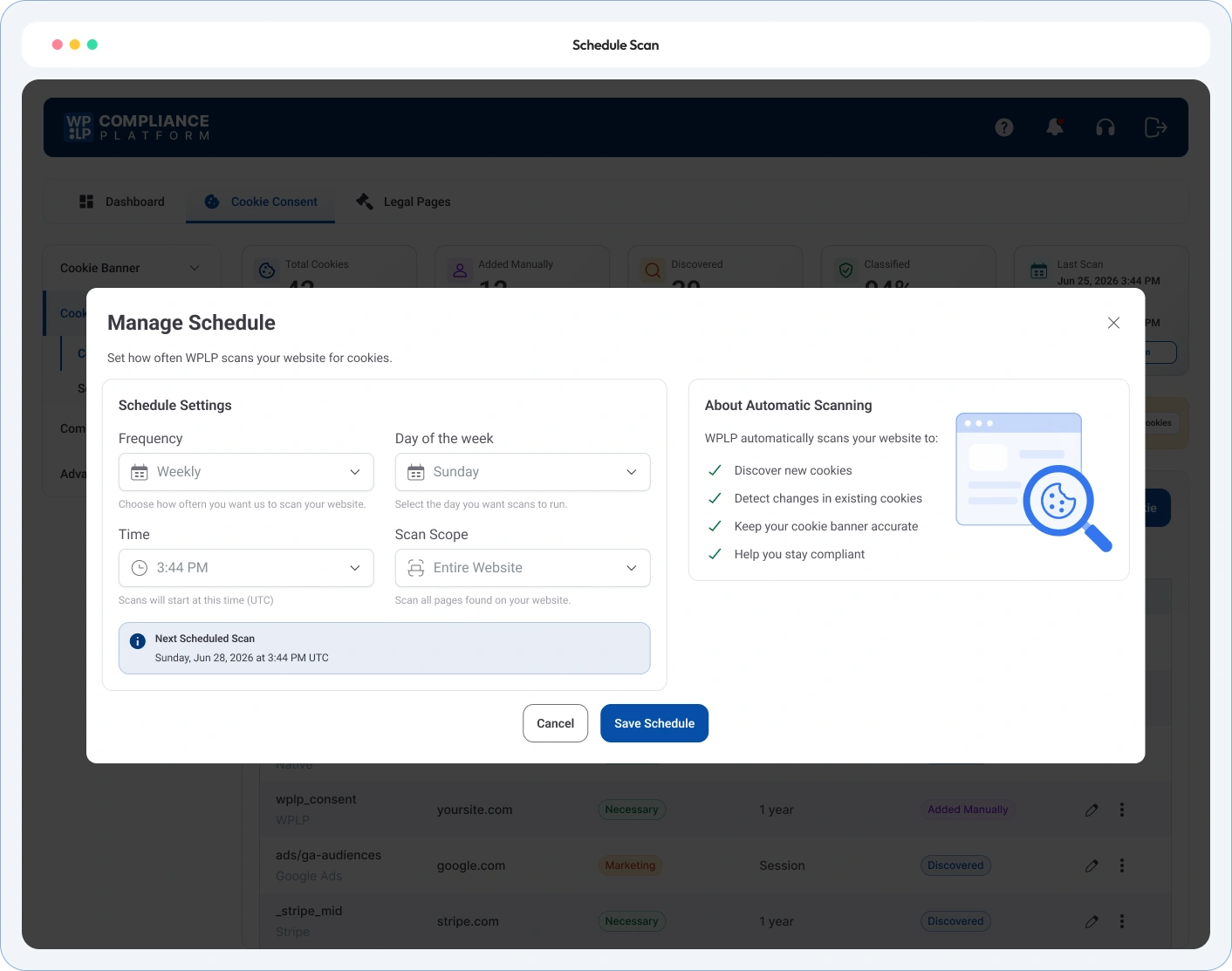
Automatic Scans

Run scheduled scans across all client sites to detect new cookies, trackers and changes.

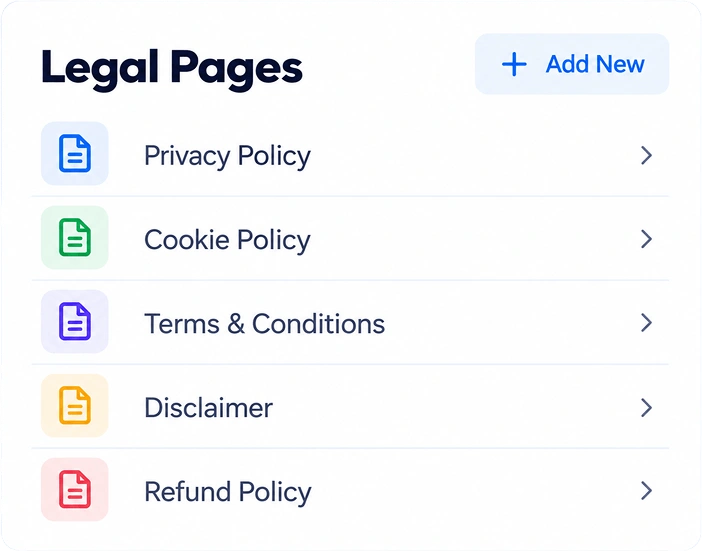
Updated Legal Pages

Use 30+ ready-made templates and keep every client's legal pages current.

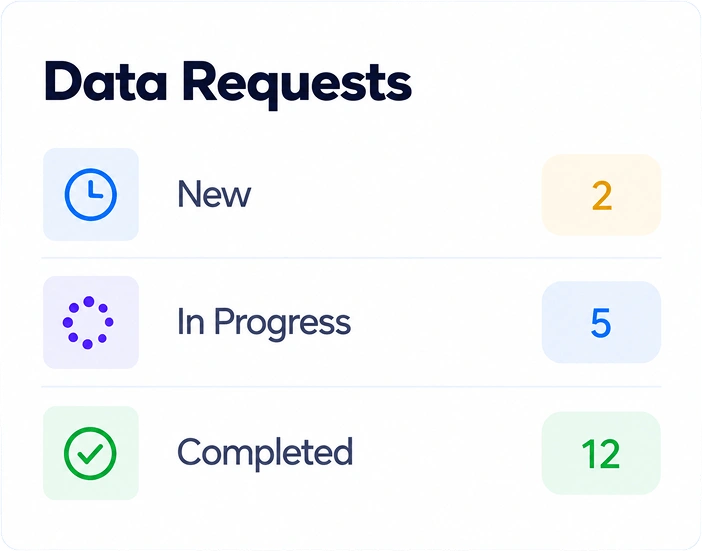
Handle Data Requests

Collect and manage DSAR requests with a built-in form and easy workflow.

Save Time & Grow Faster

Automate repetitive tasks, reduce manual work, and focus on what matters, your clients.

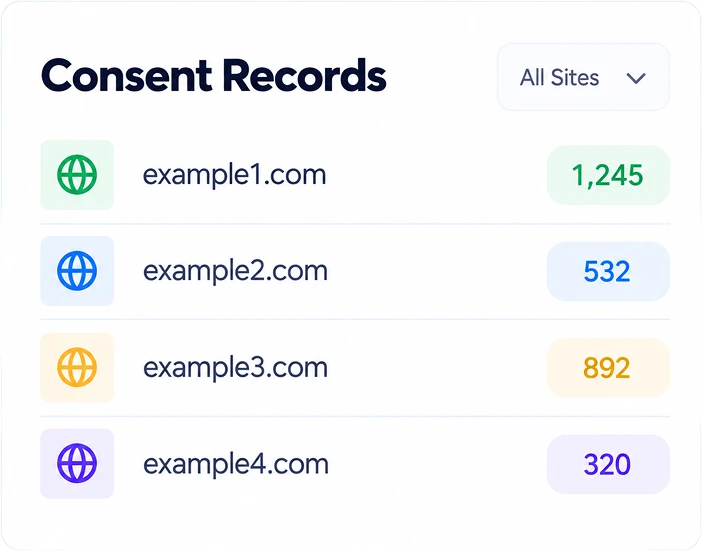
Centralize Consent Log

View and manage consent records for all your client sites in one place.

Everything an Agency Needs to Keep Every Client Site Compliant

No more managing separate plugin installs or manually checking each site. WPLP Compliance Dashboard runs recurring scans, keeps legal pages updated, and centralizes consent records across all your sites in one login.

Multi-Site Compliance Dashboard

Every Client Site, Managed From One Login

Automated Cookie Scanning

Scans Run on a Schedule, Across the Whole Roster

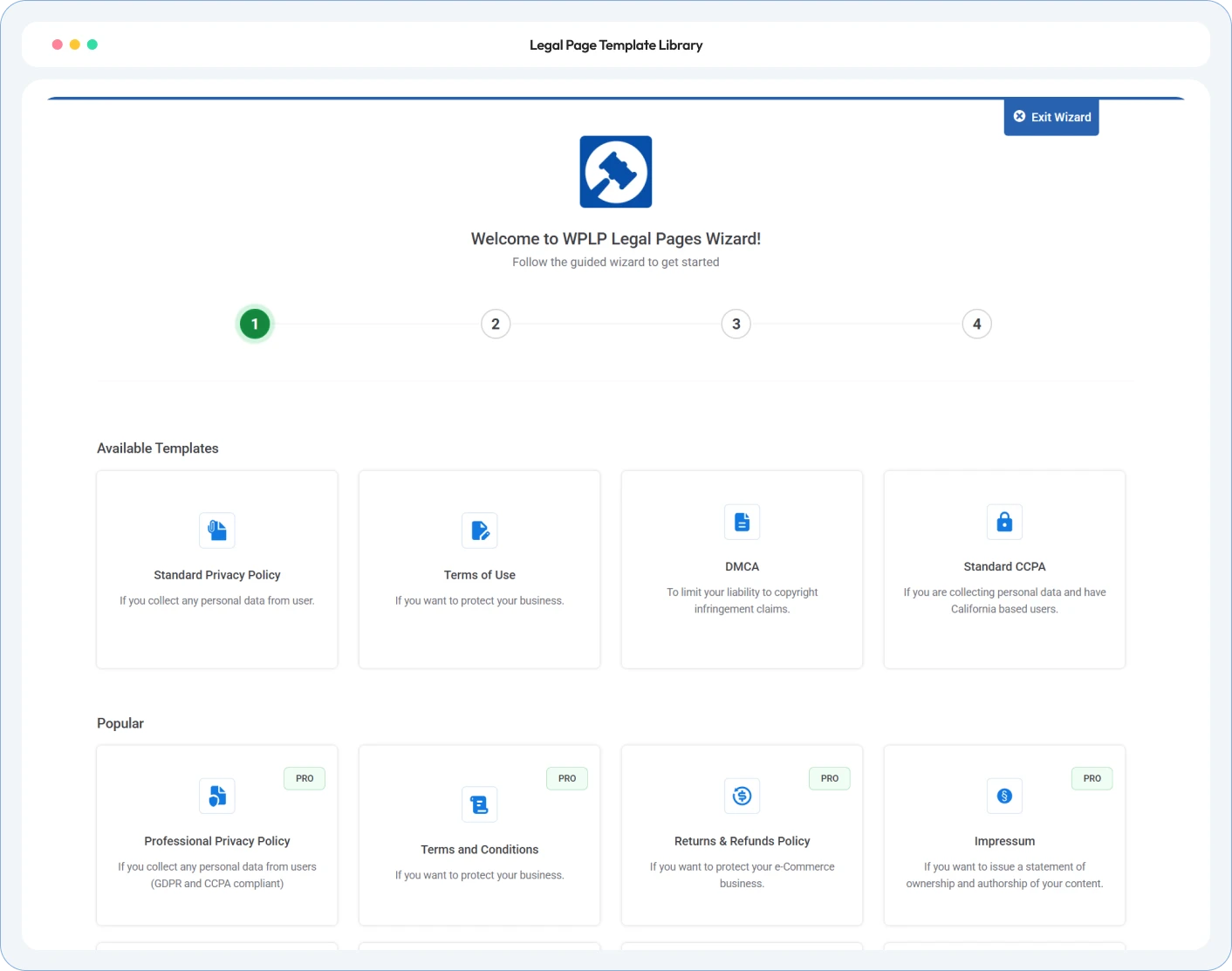
Legal Page Template Library

The Same 30+ Templates, Ready for Every Client Site

• Testimonials & Reviews •

Feedback from the WordPress Community

4.7/5 on WordPress.org • Based on 20,000+ active WordPress installs

What our customers are saying

Hear from site owners, agencies and developers who simplified their WordPress legal compliance.

• Clear Answers •

FAQs answering objections

Find answers to common questions about managing your website and keeping your site compliant.

One login, one dashboard view. Each client site keeps its own WordPress install underneath, but scan status, consent logs, and legal-page coverage for every connected site show up in a single place, not a separate login per client.

The Agency tier is priced by site count rather than charging a flat fee per domain. Current tiers and site-count breaks are published on the pricing page; no sales call required to see them.

No. The Dashboard manages many separate, independent WordPress installs from one login. It doesn’t require Multisite, and it doesn’t ask you to move client sites into one.

No. The plugin is designed to work smoothly with your WordPress theme and caching plugins without significantly impacting your site’s performance. It is lightweight and optimized to minimize its effect on page load times.

Inside each client site’s own WordPress database, not pooled on a third-party server outside your or your client’s control.

It lands in that site’s request queue through WP Cookie Consent’s free intake form. On a paid tier, the Dashboard’s DSAR processing helps you discover the requester’s data across WordPress core, WooCommerce, and Consent Logs, then walks you through a guided review-and-confirm step before anything is deleted or exported, for any site on the roster.

Yes, on paid tiers, export a banner configuration from one site and import it into another instead of rebuilding it from scratch each time.

• More Tools •

More Tools Built for Managing Compliance at Scale

Beyond scans and templates, the Dashboard includes a few controls built specifically for running compliance across many client sites at once, not just one.

DSAR Automated Processing

Discover a requester's data across WordPress core, WooCommerce, and Consent Logs, then confirm before anything is deleted or exported for any client site on the roster, with an audit-ready report generated automatically.

Export/Import Cookie Settings

Configure a cookie banner once and carry the same settings to another client site, instead of rebuilding it site by site.

Remove Branding, Add Your Own

Remove WPLP branding and add your own logo on client-facing banners and legal pages, on paid tiers.

Stop Logging Into a Separate Install for Every Client

Connect your client roster to one dashboard, run the first scan, and see every site’s compliance status in one place, at a price that doesn’t grow every time you win new business.