CookieYes is a legitimate, widely used tool. It’s installed on over a million WordPress sites, carries a Google-certified CMP badge, and its free tier genuinely works for a small site. Nothing about it is broken.
So when people go looking for a CookieYes alternative, it’s rarely because CookieYes did something wrong. It’s usually one of a few specific things: per-domain pricing starts adding up once you’re managing more than one site, a traffic spike pushes you past the pageview cap, or you notice that the banner only handles cookie consent, while your privacy policy, terms and conditions, and data requests still live in separate tools (or a folder of Google Docs nobody’s updated in a year).
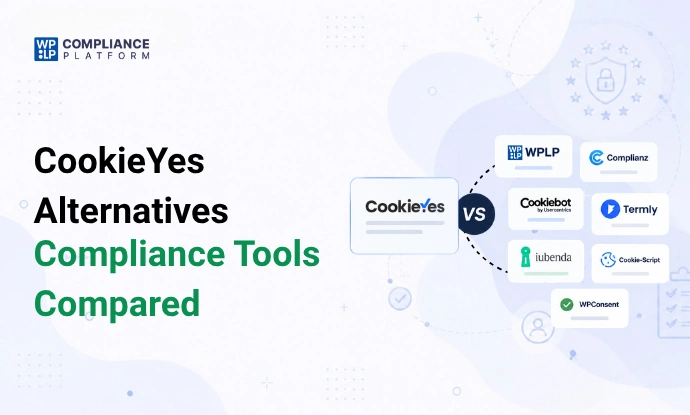
This article compares seven alternatives.
Quick Comparison
| Tool | Best For | Cookie Scanning | Legal Policies | Geo-Targeting | WordPress Support | Pricing Approach |
|---|---|---|---|---|---|---|
| CookieYes | Cross-platform consent (WP, Shopify, Wix) | Yes | Privacy + cookie policy only | Pro tier+ | Connector plugin | Per domain |
| WPLP | Cookie consent + legal pages in one platform | Yes | 30+ templates | Included | Native | Flat, per plan tier |
| Complianz | In-dashboard setup, no external account | Yes | Basic templates | Paid tiers | Native | Per site, annual only |
| Cookiebot | Certification depth (ISO/HIPAA) | Yes | No | Yes | Connector plugin | Per domain, per subpage tier |
| Termly | Attorney-drafted documents + CMP | Yes (paid) | ~10 documents | Limited | Connector plugin | Per site |
| iubenda | Widest legal-template variety | Yes | 30+ documents | Yes | Connector plugin | Per site |
| Cookie-Script | One CMP across multiple non-WP platforms | Yes | No | Paid tiers | Connector plugin | Domain bundles |
| WPConsent | Self-hosted consent, flat pricing | Yes | No | Limited | Native | Flat, per site count |
Pricing and feature availability change. Confirm current details on each vendor’s site before deciding.
Before You Switch: What Actually Matters?
It’s easy to compare tools on feature checklists and end up nowhere. These are the questions that actually predict whether a switch will be worth it.
- Cookie scanning. Automated, manual, or both, and how often does it re-scan as your site changes?
- Consent logging. Can visitors choose by category (not just accept/reject all), and is every choice timestamped and retrievable? See our guide on data retention periods for consent logs for what “retrievable” should actually mean in practice.
- Script blocking. A banner that displays consent options isn’t the same as one that actually blocks tracking scripts until consent is given. This is where GDPR and CIPA enforcement most often catches sites out, and where you carry legal responsibility for third-party scripts even when a plugin is technically running them.
- Geo-targeting. Can rules differ by visitor location, so EU visitors get opt-in consent while other regions follow a different rule? Here’s a closer look at how and when to split cookie banners by region.
- Regulatory coverage. “GDPR-ready” and “covers 12 US state laws” are different claims, so check which frameworks are actually addressed (GDPR, UK GDPR, CCPA/CPRA, and state laws like Virginia, Colorado, Connecticut, Utah). If you want the full picture of which laws a compliance platform actually covers, read the fine print rather than the marketing page.
- WordPress/caching compatibility. Does it work cleanly with your caching plugin? Multiple tools in this comparison have documented issues with plugins like WP Rocket serving cached pages without the banner attached, which breaks valid consent regardless of how good the tool otherwise is.
- Support. WordPress.org support-thread response times are a more honest signal than a marketing page’s promise of “responsive support.”
- Pricing model. Per site, per domain, or flat across a portfolio: this is often the single biggest cost driver for anyone with more than one site.
- Broader compliance needs. Do you need just a cookie banner, or also a privacy policy, terms, and a way to log data requests? If you’re not sure, start with what policies your website actually needs. Paying for a bundle you don’t need is wasteful, but so is running three subscriptions for what one platform could cover.
Do you actually need to switch? If your site is small, traffic is stable, and a working cookie banner is genuinely all you need, migrating may not be worth the effort. CookieYes’s free and Basic tiers cover that case reasonably well. A broader platform starts earning its cost when you need several of the above at once: scanning and consent management and legal pages and DSAR handling and multi-site billing that doesn’t multiply per domain.
Best CookieYes Alternatives for 2026
These were selected for relevance to WordPress site owners specifically: a mix of WordPress-native plugins and cross-platform SaaS tools. Pricing reflects each vendor’s published rates at the time of writing; confirm current pricing directly, since it changes. (For a budget-focused cut of this same comparison, see affordable WordPress cookie consent plugins.)
1. WPLP Compliance Platform
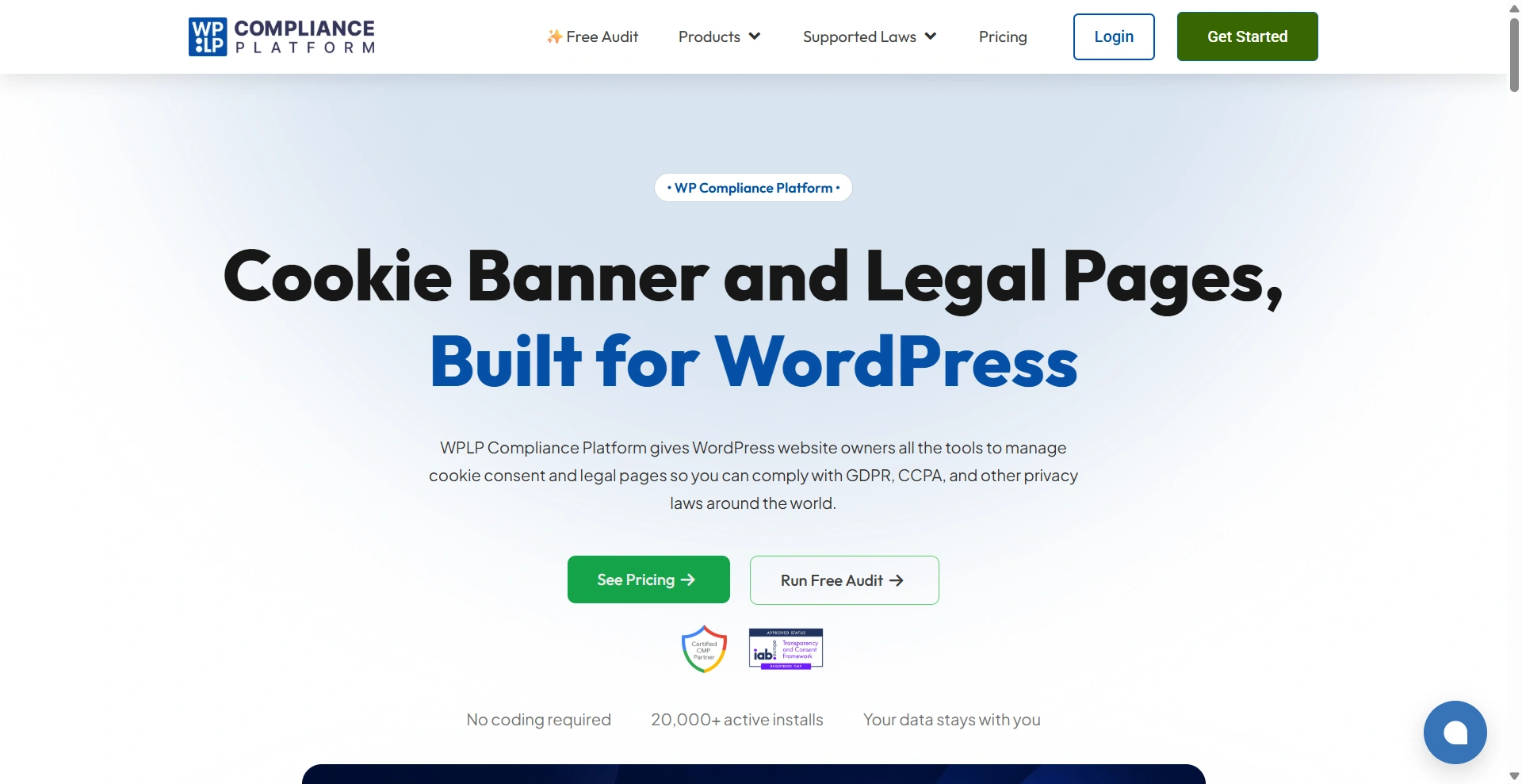
Best for: WordPress site owners and agencies who want cookie consent and legal pages managed from one connected platform instead of stitching two or three tools together.
What it does well: WPLP combines a cookie scanner, consent management, and a 30+ template legal-policy generator (privacy policy, terms and conditions, cookie policy, and more) under one native WordPress dashboard. Consent logging, Google Consent Mode v2, geo-targeted compliance, and IAB TCF 2.3 are included across paid plans, and it holds both an IAB CMP registration and a Google-certified CMP badge. Agency pricing is flat per tier (covering a set number of sites) instead of billed per domain, detailed on the pricing page.
Where it falls short: It’s WordPress-only, so it won’t help if you also run a Shopify or Wix property. It’s also a newer entrant than CookieYes or Complianz, so its independent review footprint outside WordPress.org is smaller.
Pricing: Free version (WP Legal Pages) generates basic policy pages. Paid: Professional $8/month (up to 3 sites), Business $12/month (up to 10 sites), Agency from $28/month (25+ sites, scalable to 50 or 100). Annual billing roughly halves the monthly cost. 30-day money-back guarantee on paid plans.
Who should consider it: Site owners already paying for a separate cookie tool and a separate legal-pages plugin, who’d rather manage both from one dashboard, especially agencies running multiple WordPress client sites.
Bottom line: The strongest fit when your compliance need extends past the cookie banner into legal pages and data requests, and when per-domain CMP pricing starts adding up across multiple sites.
2. Complianz
Best for: Site owners who want the entire setup, including banner, cookie database, and legal documents, running inside WordPress with no external account required for the core plugin.
What it does well: Complianz is the largest WordPress-native cookie consent plugin by install count, with a wizard-driven setup covering GDPR, CCPA, LGPD, POPIA, and PIPEDA in a single flow. It also ships a free Shopify app for stores that need consent on a secondary platform.
Where it falls short: The free tier skips Records of Consent, a real gap if you ever need to prove compliance. Reviewers on WordPress.org and independent blogs have reported caching plugins (WP Rocket, LiteSpeed) serving cached pages without the banner attached, unless manually excluded. Billing is annual only, with no monthly option.
Pricing: Free tier (unlimited sites, basic banner, no Records of Consent). Personal $59/year (1 site); Professional $179/year (5 sites); Agency from $399/year (25 sites) up to $2,199/year (500 sites). 30-day money-back guarantee.
Who should consider it: Owners who specifically want to avoid a hosted third-party dashboard and keep all consent data inside WordPress itself.
Bottom line: A strong, well-established WordPress-native option, but verify caching-plugin compatibility on your specific stack, and budget for a paid tier if Records of Consent matters.
3. Cookiebot (by Usercentrics)
Best for: Organizations that prioritize certification depth, such as ISO 27001/27701 or HIPAA-readiness, over WordPress-native simplicity.
What it does well: Cookiebot’s scanner refreshes monthly against a large cookie classification database. It holds a Google-certified CMP partnership with a dedicated Consent Mode v2 certification track, plus IAB TCF v2.3, and scales into “Usercentrics Advanced” for multi-brand enterprises needing SSO and A/B testing.
Where it falls short: Priced per domain with no volume discount, and an August 2025 price increase roughly doubled Premium-tier pricing for many existing customers. The subpage-counting scanner can automatically push a site into a higher tier as page count grows, sometimes faster than real site growth would suggest. Like Complianz, it can conflict with caching plugins unless manually excluded.
Pricing: Free (1 domain, up to 50 subpages). Premium Lite ~$8/month; Small €15-30/month; Medium €30/month; Large €50/month; XLarge €90/month, all per domain, tiered by subpage count. Usercentrics Advanced is custom-quoted.
Who should consider it: Regulated organizations (healthcare, finance) that need certification paperwork alongside the banner, and aren’t put off by per-domain, per-subpage billing.
Bottom line: Certification-heavy and enterprise-capable, but the pricing model and subpage-tier creep make it a harder fit for cost-sensitive WordPress owners than for larger organizations with compliance budgets.
4. Termly

Best for: Teams that want an attorney-drafted legal document library bundled with a certified CMP under one login.
What it does well: Termly bundles roughly 10 legal-document generators (privacy policy, terms, disclaimer, EULA, and more) alongside its CMP. It’s a Google CMP Gold Partner and IAB TCF 2.3 certified, and its free tier includes one policy and 10,000 banner views per month.
Where it falls short: Priced per website, with bulk discounts only starting at five-plus licenses and no flat multi-site dashboard. Consent logs, multi-language support, custom banner styling, and removing Termly’s branding are all locked behind the Pro+ tier. Its WordPress.org rating (3.7/5) trails its G2 and Capterra scores, with a cluster of recent 1-star reviews tied to the plugin’s shift from free to account-gated.
Pricing: Free (1 policy, 10,000 banner views/month, quarterly scans). Starter $10-14/website/month; Pro+ $15-20/website/month; agency pricing is custom. 30-day money-back guarantee in place of a free trial.
Who should consider it: Non-WordPress-exclusive businesses wanting both a legal document library and a CMP from one vendor, managing a small enough number of sites that per-site pricing doesn’t compound too heavily.
Bottom line: A genuine “consent plus legal pages” option outside WordPress specifically, but check per-site billing against your actual site count first. For a closer side-by-side, see this WPLP vs Termly comparison.
5. iubenda
Best for: Businesses beyond WordPress-only setups that want the deepest legal document library, 30+ templates, alongside a certified CMP.
What it does well: iubenda covers cookie scanning, consent logging, banner customization, and its legal document library under one subscription across 27 languages and jurisdictions, including GDPR, UK GDPR, CCPA/CPRA, and LGPD. It’s a Google-certified CMP Partner with large enterprise customers.
Where it falls short: Billed per individual site, so a multi-site portfolio multiplies cost fast. G2 reviewers rate its Ease of Setup notably lower (5.0/10) than Ease of Use (9.0/10), a real onboarding gap. White-labeling and hourly rescans are reserved for the top Ultimate tier, and there’s no free trial, only a 14-day money-back guarantee.
Pricing: Free (sites under ~1,000 pageviews/month). Essentials €5.99/month; Advanced €21.99/month (~$24.99 USD); Ultimate €89.99/month (~$99.99 USD), all per site. Annual billing saves ~16%.
Who should consider it: Businesses running a single site (or a small handful) that want the widest legal-template variety and don’t mind a steeper per-site price for it.
Bottom line: Strong on legal-document breadth and multi-jurisdiction coverage, but per-site pricing and setup friction make it a better fit for one flagship site than a growing portfolio.
6. Cookie-Script
Best for: Site owners already running platforms outside WordPress (Shopify, Magento, Joomla) who want one CMP across all of them.
What it does well: Cookie-Script checks cookies against a database of 100,000+ known entries, includes Google Consent Mode v2 and IAB TCF v2.3 on paid tiers, and covers an unusually long list of named jurisdictions.
Where it falls short: Its WordPress.org rating (3.1/5 from just 14 reviews) contrasts sharply with its general SaaS ratings, with complaints about difficult uninstalls and slow support. Domains sell in fixed bundle sizes (2, 5, 10, 20+), so a 3-site owner still buys a 5-domain bundle. IAB TCF, consent recording, and analytics are gated to the single top “PLUS” tier, and tiers can’t be mixed within one account.
Pricing: Free (2 domains, 10,000 pageviews/month). Lite ~€8/month; Standard ~€15/month; Plus ~€19/month per domain within a bundle; custom/agency pricing at 200+ domains. 7-day money-back guarantee.
Who should consider it: Multi-platform businesses (not WordPress-exclusive) wanting one CMP account across several different site builders.
Bottom line: A reasonable cross-platform option, but fixed bundle sizing and a comparatively weak WordPress track record make it a secondary pick for WordPress-first owners.
7. WPConsent
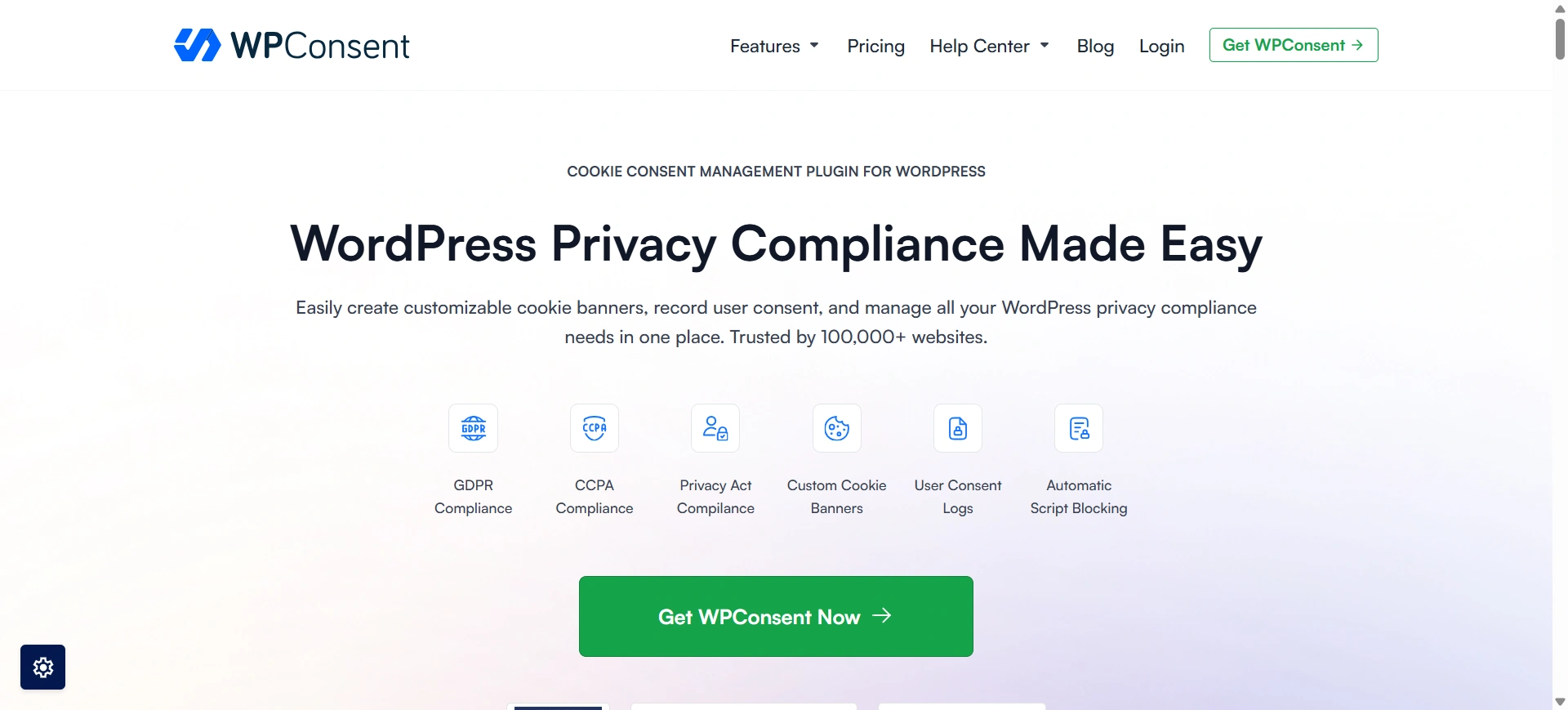
Best for: WordPress-native users who want self-hosted consent data and flat, non-metered pricing, without needing legal-page generation.
What it does well: WPConsent stores consent records in your own WordPress database rather than a third-party cloud account, and prices by site count instead of pageviews, so a traffic spike doesn’t create a billing or compliance risk the way pageview-metered tools can.
Where it falls short: No legal page or policy generation at all, a gap the vendor’s own comparison materials acknowledge. No agency dashboard either; multi-site management is a flat 1/5/25/100-site pricing ladder without a centralized client view. One independent reviewer has also publicly disputed its IAB TCF certification claim, a discrepancy that remains unresolved.
Pricing: Free (1 site, banner, scanning, basic policy generator). Basic $49.50/year (1 site); Plus $99.50/year (5 sites); Pro $199.50/year (25 sites); Elite $299.50/year (100 sites). 14-day money-back guarantee.
Who should consider it: Owners who specifically want consent data to stay in their own database and don’t need a broader legal-page library alongside it.
Bottom line: A clean, focused option if cookie consent is genuinely the only thing you need. Pair it with a separate legal-pages tool if your requirements grow.
CookieYes vs WPLP: What’s the Difference?
Since this is likely the comparison that brought you here, it deserves a closer look, on its own terms, not as a spec-sheet contest.
- Product focus. CookieYes is built around one job: cookie consent, done well, across multiple platforms. WPLP is built around WordPress compliance more broadly, with cookie consent as one module alongside legal policy generation, DSAR handling, and geo-targeted notices, all in one dashboard.
- Platform support. CookieYes works across WordPress, Shopify, Wix, Squarespace, and Webflow. WPLP is WordPress-only.
- WordPress experience. CookieYes runs as a hosted web app, with the WordPress plugin acting as a connector to that external account. WPLP runs natively inside the WordPress dashboard, with no separate cloud login required to configure the core features.
- Cookie scanning. Both scan and auto-categorize cookies. CookieYes’s scan limits are tied to pageview tier; WPLP’s scan limits (pages per scan, scans per month) scale with plan tier too, but billing is per-plan rather than per-domain.
- Consent management. Both offer granular, category-based consent with logging and Google Consent Mode v2 support.
- Legal policy generation. This is the clearest functional gap. CookieYes offers a cookie policy and privacy policy generator only. WPLP includes 30+ templates, covering terms and conditions, disclaimers, refund policy, affiliate disclosure, and more, from the same dashboard as the cookie banner.
- DSAR handling. CookieYes has no DSAR workflow on any plan; requests are handled manually or with a separate tool. WPLP includes DSAR handling as part of the platform.
- Geo-targeting. CookieYes offers this on its Pro tier and above. WPLP includes it as a standard part of its paid plans.
- Pricing structure. CookieYes bills per domain, so five sites means five separate subscriptions. WPLP’s plans (Professional, Business, Agency) each cover a set number of sites under one flat price, which changes the math for anyone managing more than one property.
- Multi-site management. CookieYes has no flat multi-site bundle. WPLP’s Agency tier is built specifically for managing multiple sites under one plan.
- CookieYes may make more sense when you need a certified, well-established CMP that works identically across WordPress and non-WordPress properties, and cookie consent is genuinely the only compliance gap you have.
WPLP may make more sense when you’re WordPress-only, managing more than one site, and need legal pages, DSAR handling, or geo-targeted compliance alongside the banner, not as a separate purchase. The main advantage here is consolidation rather than simply having more features: if you’re already running separate tools for legal pages and data requests, WPLP is worth considering as a way to fold those into one subscription.
Which One Should You Choose?
One small website, one platform, cookie consent is the only need -> CookieYes’s free or Basic tier is likely enough. Switching wouldn’t add much here.
WordPress + Shopify (or another second platform) -> CookieYes, since it works identically across both without needing a second tool.
WordPress site that also needs legal pages -> WPLP, for the consolidation.
Multiple WordPress client sites (agency) -> WPLP’s Agency plan or Complianz’s site-count bundles, both of which avoid per-domain billing.
Enterprise or certification requirements (ISO, HIPAA) -> Cookiebot.
Legal-document-heavy requirements, non-WordPress or multi-site-light -> iubenda or Termly.
Self-hosted consent data, no legal-page need -> WPConsent.
Multiple non-WordPress platforms -> Cookie-Script.
A few real-world scenarios worth spelling out:
- Small business site (contact form, analytics, basic marketing tools): a single-tool need. CookieYes’s free/Basic tier or WPLP’s free legal-pages plugin plus Professional tier both cover this without overcomplicating things.
- WooCommerce store (customer accounts, payments, analytics, advertising): needs consent management plus DSAR handling for customer data requests, plus a privacy policy reflecting payment processing. See what privacy compliance for WooCommerce stores actually involves. This is where CookieYes’s lack of DSAR tooling starts to matter; WPLP or Complianz’s paid tier closes that gap in one place.
- Content publisher (advertising, analytics, affiliate links): prioritize IAB TCF certification and an FTC-compliant affiliate disclosure generator. Most tools here handle IAB TCF; fewer bundle the affiliate disclosure piece, and WPLP does.
- Agency managing multiple WordPress sites: per-domain billing (CookieYes, Termly, iubenda, Cookie-Script) compounds fastest here. A flat multi-site tier, such as WPLP’s Agency plan or Complianz’s site-count bundles, is usually the more predictable cost as the portfolio grows.
- A site that needs more than cookie consent: if you’re already paying for CookieYes and separately paying for (or manually writing) a privacy policy, terms, and handling data requests by hand, that’s the clearest signal a consolidated platform is worth evaluating. The value isn’t “more features,” it’s fewer subscriptions and fewer places for something to go out of date.
Frequently Asked Questions About CookieYes Alternatives
It depends on your needs. WPLP is a strong fit for WordPress sites needing cookie consent, legal pages, and DSAR handling. For multi-platform sites, CookieYes, iubenda, or Cookie-Script may be better suited.
WPLP is a strong fit for WordPress sites needing cookie consent and legal pages together. Complianz is a good option if you want everything managed inside WordPress.
Not for everyone. CookieYes works well for simple cookie consent, while WPLP is better suited to sites needing cookie consent, legal pages, DSARs, or multi-site support.
Yes. CookieYes offers a free plan with limited pageviews and scanning, while features such as geo-targeting and IAB TCF require a paid plan.
Yes, on WordPress sites. WPLP combines cookie scanning, blocking, consent logging, Google Consent Mode v2, and legal policy generation in one platform.
Test the new tool on staging, check compatibility with your theme and caching setup, verify script blocking, and compare plan limits with your traffic and site count.