Summary
Also, laws like GDPR and CCPA may also require clear user consent before this data is collected. If your site only uses essential cookies for basic functions, a banner may not be required.
However, once you add tracking or third-party tools, a cookie banner becomes necessary to stay compliant and maintain user trust.
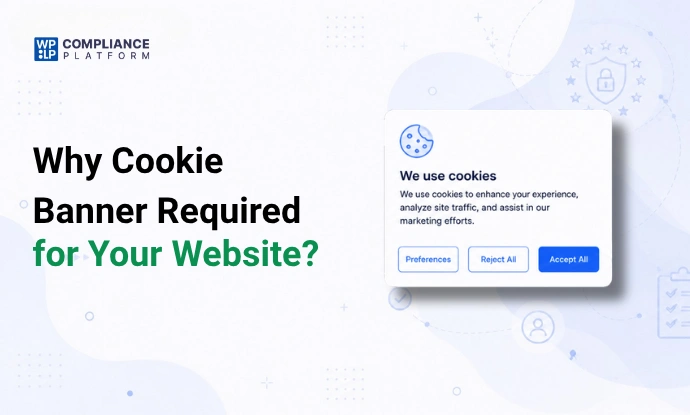
Cookie consent banners are everywhere nowadays; it can be difficult to determine whether your website needs one.
Whether your site requires a cookie banner depends on what kind of information your site gathers, what types of cookies are used, and your users’ location, etc.
A basic site may not require a cookie consent banner in some areas. However, once you include any form of analytics or third-party tracking device, different requirements come into play.
This article will help clarify when a cookie consent banner is compulsory, the laws that apply, and best practices to follow while creating a cookie banner.
Are Cookie Banners Required for Your Website Type?
In most cases, cookie banners are required on websites. However, some websites may not require cookie banners.
Whether a cookie banner is required or not depends on whether non-essential data is collected by the website. Business size, revenue, or site traffic doesn’t matter.
Here’s a simple way to understand this with more clarity:
| Type of Website | Cookie Banner Required | Reason |
| Static HTML Website | Probably not | Because they only store essential technical cookies |
| Blog | Often Yes | Most of the time, they use analytics cookies that require consent in many areas |
| E-commerce Store | Yes | They store, send, and receive payment-related information, track/transmit related information, as well as marketing-related cookies. |
| SaaS Platform | Yes | They track user behaviours as well as user analytics. |
| Websites displaying ads | Yes | They are using advertising cookies and profiling cookies, which all require prior consent. |
If your website uses any type of analytics platform, advertising pixel, conversion tracking tool, heatmap tracking tool, or marketing automation tool, you should use a cookie consent banner. Especially if you operate in regions that impose strict regulations on privacy.
What Is the Cookie Banner Legal Requirement?
The legal requirement for cookie banners comes from different types of laws across the globe. These laws focus on how to legally collect and process user information. However, there are variations by region regarding user consent, transparency, and user rights.
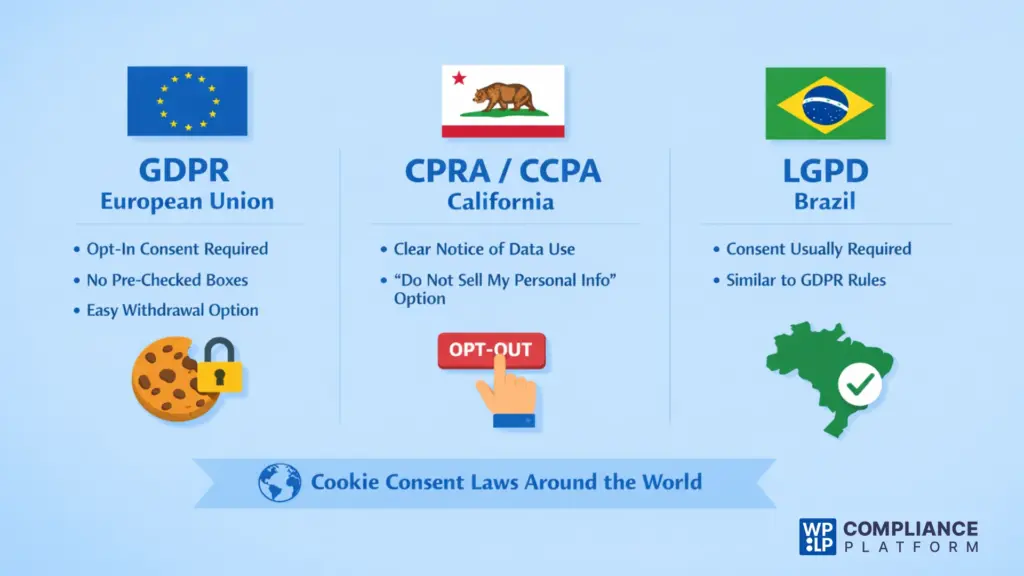
GDPR – European Union
The General Data Protection Regulation (GDPR) requires websites to provide users with prior consent before placing a cookie on the user’s device.
This means:
- Consent has to be freely given, specific, given in an informed manner, and unambiguous.
- Non-essential cookies used for analysis, advertisement, or tracking require user consent before activation.
- Pre-checked boxes to give consent are no longer allowed.
- Users should be able to easily withdraw consent.
It is important to note that even if your business is based outside of the E.U., you still may be required to comply with GDPR.
CPRA / CCPA – California
In California, the CPRA and the CCPA follow a different model:
- Prior consent is not required as a general rule for cookies.
- But they require that the business provide clear notice of its data collection practices.
- A business must give its users a visible option to “Do Not Sell / Share My Personal Information.”
Thus, California’s system is an “opt-out” based standard, unlike the GDPR, which requires “opt-in” consent.
LGPD – Brazil
Brazil’s LGPD is similar to GDPR. It usually requires consent when personal data is processed in the form of cookies.
So it is largely dependent upon the location of your users as to whether your website needs a cookie banner. The use of non-essential cookies, such as analytics or marketing cookies, will generally always require prior consent.
What Triggers the Requirement for a Cookie Banner?
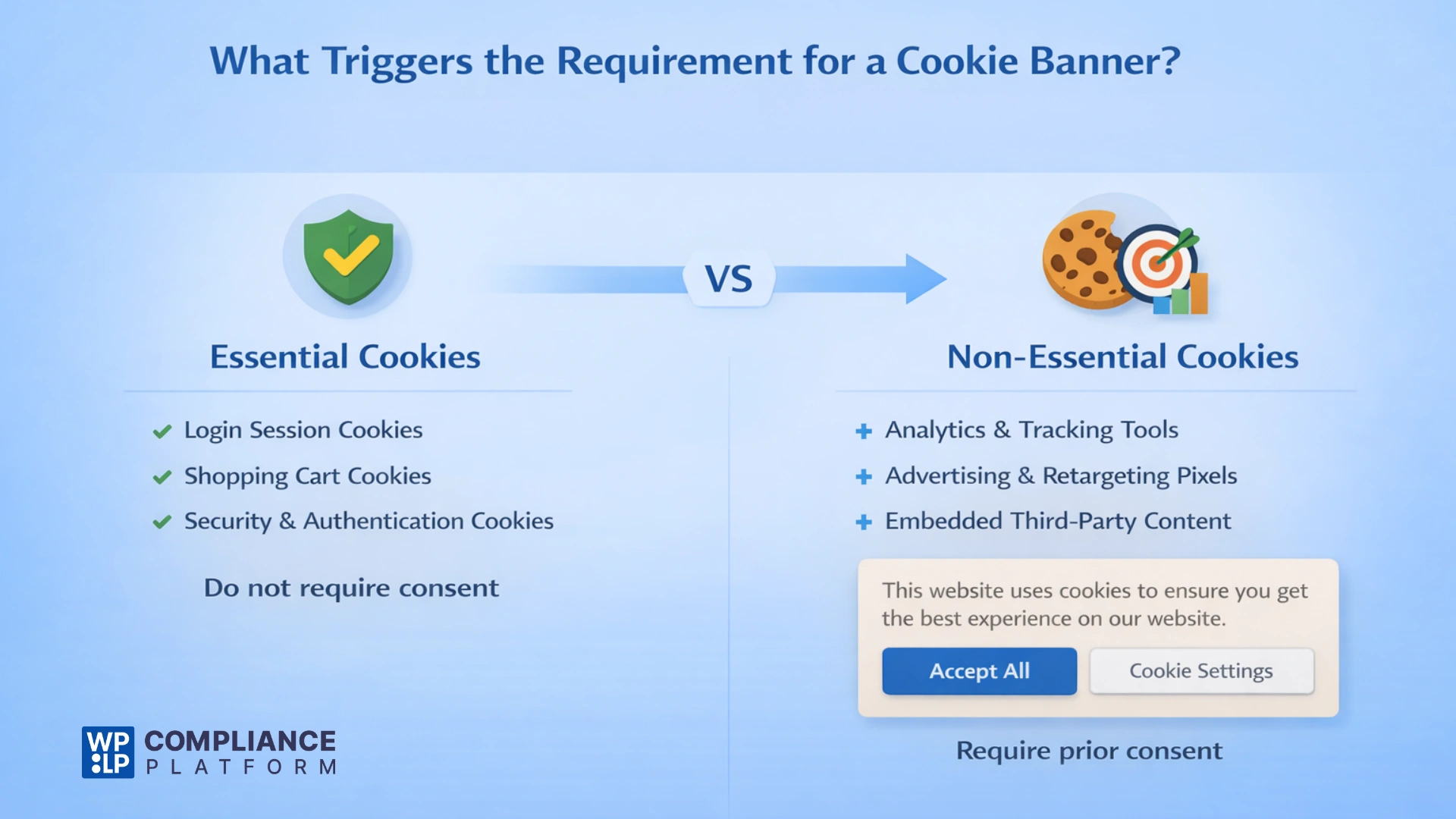
If you place non-essential cookies on a user’s device, then you must show them a cookie banner. This is necessary in regions that require consent before placing non-essential cookies on the user’s device.
The main distinction between the two types of cookies is their function:
Essential Cookies
Essential cookies typically do not require consent. They are required for the basic functionality of the website:
- Login session cookies.
- Shopping cart cookies.
- Security/authentication cookies.
Since these cookies are required to deliver the service the user has requested, almost all laws allow the use of these cookies without requiring prior consent.
Non-essential Cookies
Non-essential cookies generally require prior consent. They are more than just essential cookies; they trigger cookie banners to appear on your website. Examples of non-essential cookies include:
- Analytics tools: Traffic measurement and user behavior tracking.
- Advertising pixels: Google Ads, Facebook/Meta Pixel.
- Retargeting scripts.
- A/B testing & optimization tools.
- Embedded third-party content, such as YouTube videos.
Many regions do not permit cookie activation until they have been explicitly agreed to by the user. You must show your users a cookie banner if you are going to use non-essential cookies.
Real Examples of When You Need a Cookie Banner
1. If you’re a blogger who uses web analytics tools and you have visitors from areas that require prior consent, then you’ll likely need to use cookie banners.
2. When you own an e-commerce store selling internationally, you will need to have the proper payment integration, marketing automation, and advertising pixel technology.
This is necessary to ensure you are complying with cookie consent requirements, especially if you are selling to EU customers.
3. While running a SaaS startup, if you are engaged in behavioral analytics, user profiling, or transferring data from one country to another, then you will need to consider the cookie consent requirements that exist across the various regions.
If you are not sure whether your website should have a cookie consent banner, you should evaluate the cookies and digital tracking mechanisms on your website. If you have an instance of either of these being used for a non-essential purpose, you will need to get user consent.
What Happens If You Do Not Comply with Cookie Laws
If you fail to follow the cookie consent requirement, it may lead to significant risks for your business. We will help you get to know the potential risks involved and what they could cost your business.
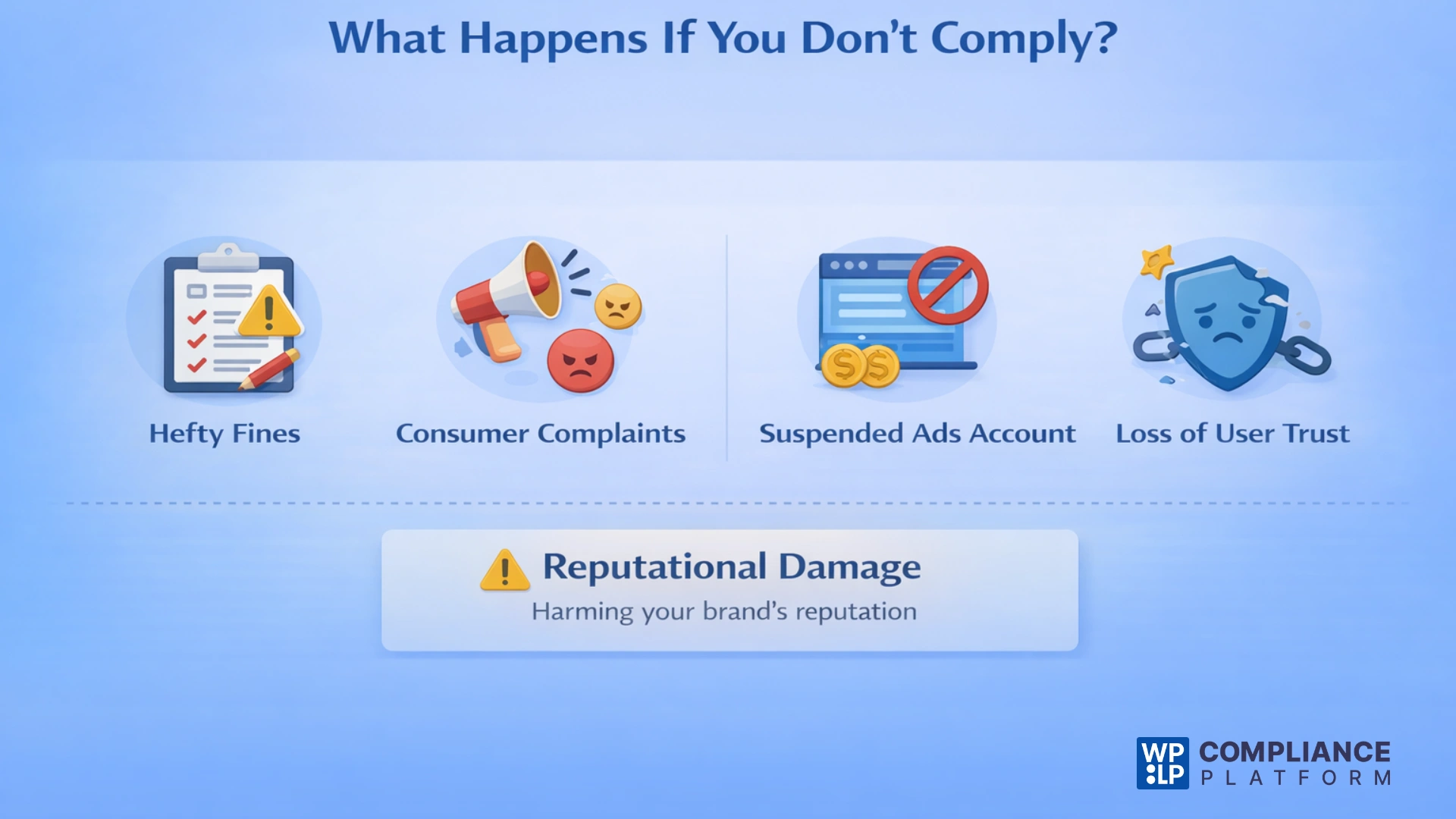
Some potential consequences of not complying with cookie consent regulations include:
- You might get a monetary penalty. These fines will vary from state to state based on the law covering your industry.
- Consumer complaints to the data protection authorities.
- Suspension of your advertising account if the advertising platform determines your tracking practices violate their policies.
- Loss of trust from users because they don’t believe their data has been collected and used transparently.
Enforcement of cookie consent regulations differs across states, and the majority of violations do not induce large penalties.
However, regulators are beginning to focus on cookie consent violations. They are also regularly examining consent banners that make it easy for a user to click Accept All but difficult to opt out of cookie tracking.
For many businesses, the more immediate concern is reputational damage rather than monetary fines under the law. By demonstrating clear and transparent cookie consent practices, you can reduce these risks and ultimately build trust with your users.
Different Ways to Add a Cookie Banner to Your Website
There are two different ways to implement a cookie banner:
1. Manual Coding
Manual coding allows you to create the cookie banner from scratch using custom code and complete the following tasks all by yourself:
- Create the cookie banner by coding from scratch.
- Block any non-essential scripts from firing until your visitors give their consent.
- Create and store consent logs for each visitor.
- Update the consent settings for your site based on any changes in the law.
This gives you a lot of control over the cookie consent solution, but requires technical knowledge along with ongoing maintenance. If any one of these elements is not set up properly, then your website may not be compliant.
2. Use of Consent Management Platform (CMP)
Using a CMP to create your cookie banner automates the majority of the cookie consent compliance process. CMPs will typically perform the following tasks automatically:
- Detect cookies on the website.
- Block any scripts from firing before receiving user consent.
- Provide geo-targeted cookie banners.
- Store a consent log for each visitor to the website.
- Help maintain updates to policies associated with your cookie consent banner.
If you have a WordPress-based website, tools like WPLP Compliance Platform provide automated detection of cookies, automatic script blocking, automated consent log storage, and geo-targeted cookie banners without extensive coding.
Quick and Easy Steps to Add a Cookie Banner Using WPLP:
- Install and activate the WP Cookie Consent plugin
- Go to WP Legal Pages and open Cookie Consent settings
- Select applicable laws like GDPR and configure preferences
- Customize banner design, position, and behavior
- Enable consent logging and script blocking
- Preview and publish the banner
In conclusion, leveraging a CMP is usually the easiest and most reliable mechanism to ensure your website’s compliance.
Best Practices for Cookie Consent Banners
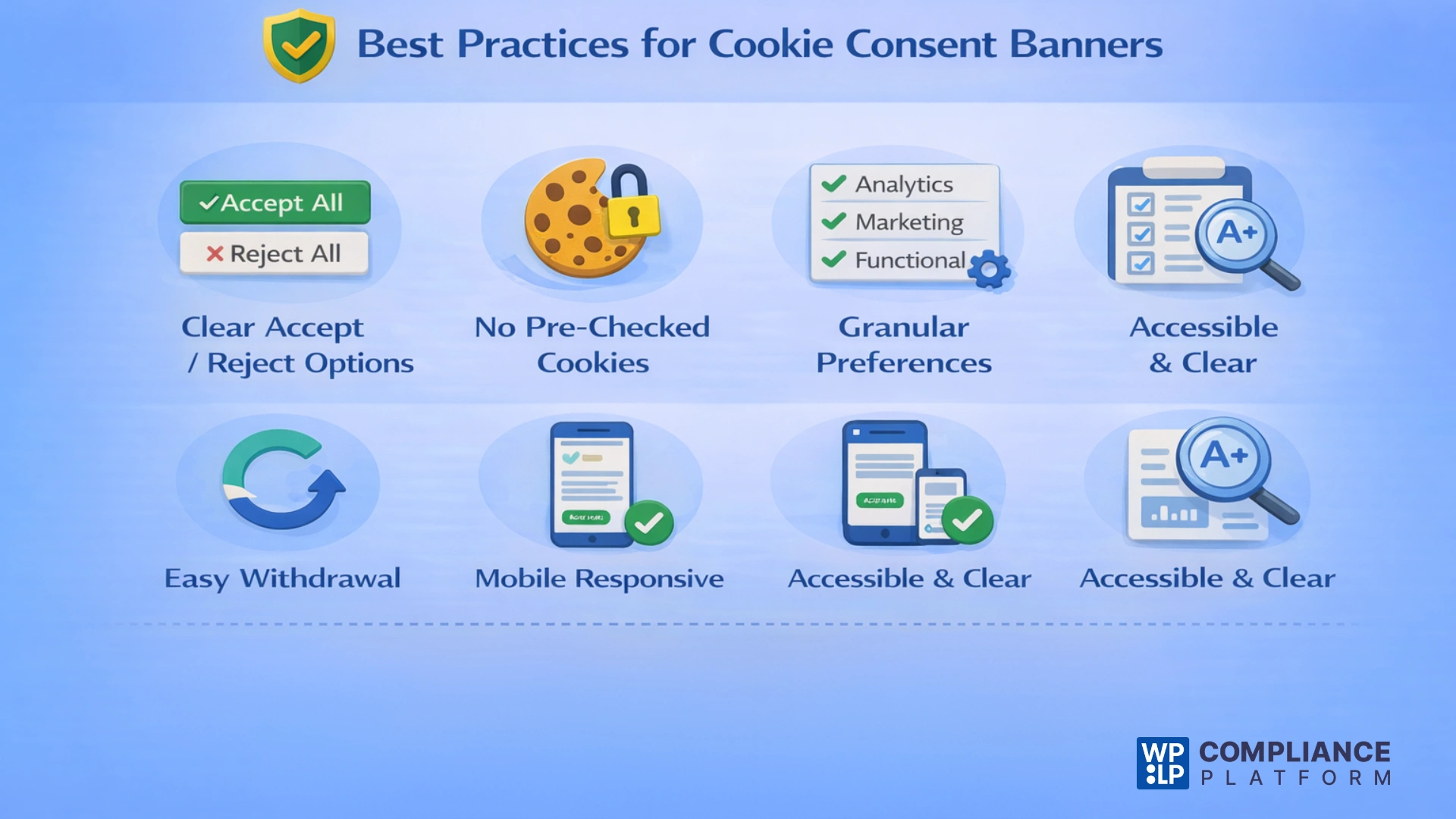
To ensure compliance, cookie consent banners must comply with legal requirements and usability standards. Regulators analyze misleading designs, so both clarity and fairness are as important as the technical setup.
Here are the best practice guidelines to follow:
- Clearly Accept or Reject Options: Both choices should be clearly identifiable and selectable. The user doesn’t have to go through additional clicks to find the “Reject” option.
- No Pre-Checked Cookies: Consent must come from the user’s own affirmative action and should be chosen by them.
- Granular Cookie Preferences: Allow users to select individual categories of cookies (analytics, marketing, functional) instead of providing an all-or-nothing selection.
- Easy Consent Withdrawal: An easily visible means by which the user may change or withdraw consent should be provided.
- Mobile Responsive Design: The banner should function properly on all devices and doesn’t hide any critical information.
- Accessible Design Standards: Ensure font size, contrast, keyboard navigation, and compatibility with assistive technology per user experience standards.
- Transparent, Plain Language: Very simply explain what cookies are, what purpose they serve, and how they will be used, and avoid abstract/wordy explanations.
Following these best practices will help you maintain user trust while ensuring the cookie banner complies with all regulations and standards.
FAQs
No, if you use tracking or analytics cookies, you usually need to show a banner and get user consent.
Not always. Most of the U.S. laws, such as the CCPA, focus primarily on opt-out rights but require transparency and consumer rights disclosure.
Yes, in GDPR regions. The cookie banner obtains consent, while the cookie policy provides detailed information about what cookies will be used for.
If your website is located in the EU and is using non-essential cookies, then you must have obtained user consent before activating them.
Yes, you should provide an option for users to update or withdraw their consent anytime.
Conclusion
So, is a cookie banner required for a website? Yes, especially if your site collects analytics, advertising pixels, retargeting tools, or behavioral-tracking data. Most websites that collect non-essential user data are required to have a cookie consent banner displayed to their visitors.
How large an organization is does not determine this requirement. Rather, it is determined by the amount of user data being collected and where users are located.
Compliance isn’t only about legal requirements. It also builds user trust through transparency and provides control over the information collected about them, protecting your partnerships in advertising.
Being a website owner, you can manage compliance manually. However, in these fast-paced times, using automated solutions will make it easier to manage ongoing compliance.
Disclaimer: This article is for informational and reading purposes only and does not constitute legal advice.
If you enjoyed this article, consider reading:
- How to Create a Cookie Policy For Your Website
- What Is a Consent Management Platform (CMP)
- Important Legal Pages for Every Website
Create a cookie banner for your website with WPLP Compliance Platform today!