Generate Your Linking Policy Now!

Create a clear and effective linking policy to protect and professionalize your site.

• Linking Policy Generator •

Generate a Linking Policy for Your WordPress Website

One linking policy generator for both directions. Tell other sites how they can link to you, and tell your visitors what happens when they click a link that leaves your site. Publish it as a Links Policy, a Linking Policy or an External Links Policy.

Google Certified CMP Badge
IAB CMP Logo

• The Basics •

What Is a linking policy?

A linking policy explains how links work on your site, in both directions. It tells other sites how they can link to you, and tells your visitors what changes when they click a link that leaves your site.

When someone uses your logo as a link or frames your pages, you can point to the guideline they ignored.

It also answers the questions people ask: Can I link to your site without asking? Do you recommend the sites you link to? Do you earn money from these links? How do I get my site added or removed?

• Do You Need One? •

If Your Site Links Out or Gets Linked To, Put the Rules in Writing

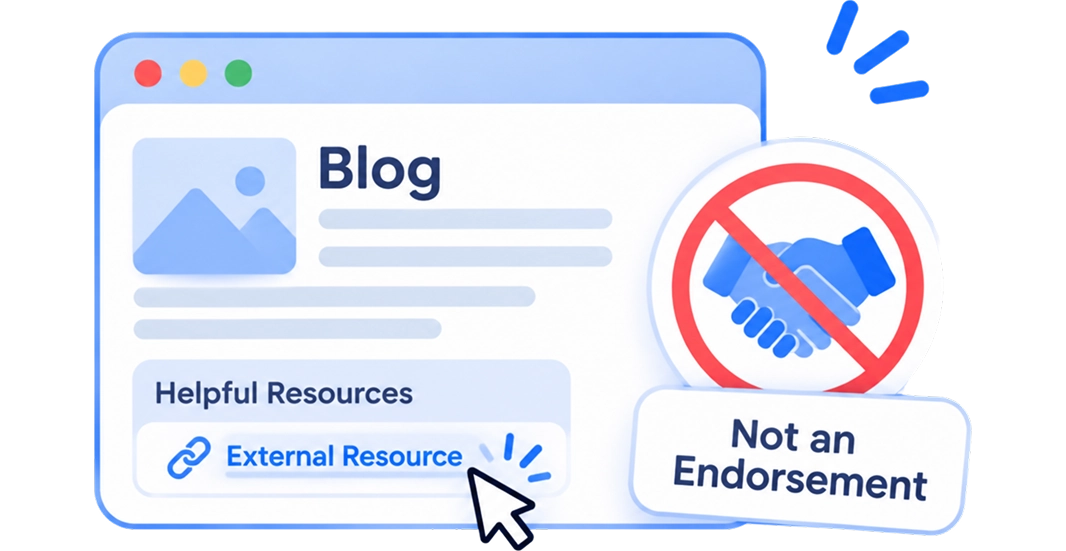
Blogs and resource pages

You link to sources and tools. Your policy says a link isn't an endorsement.

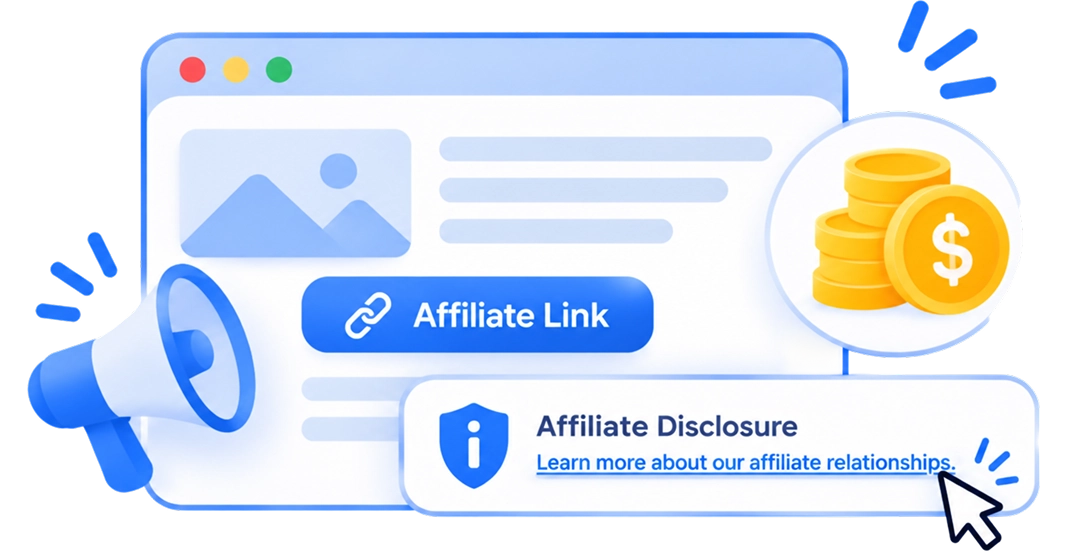
Affiliate and review sites

Some links earn you a commission. Your policy says so and links to your disclosures page.

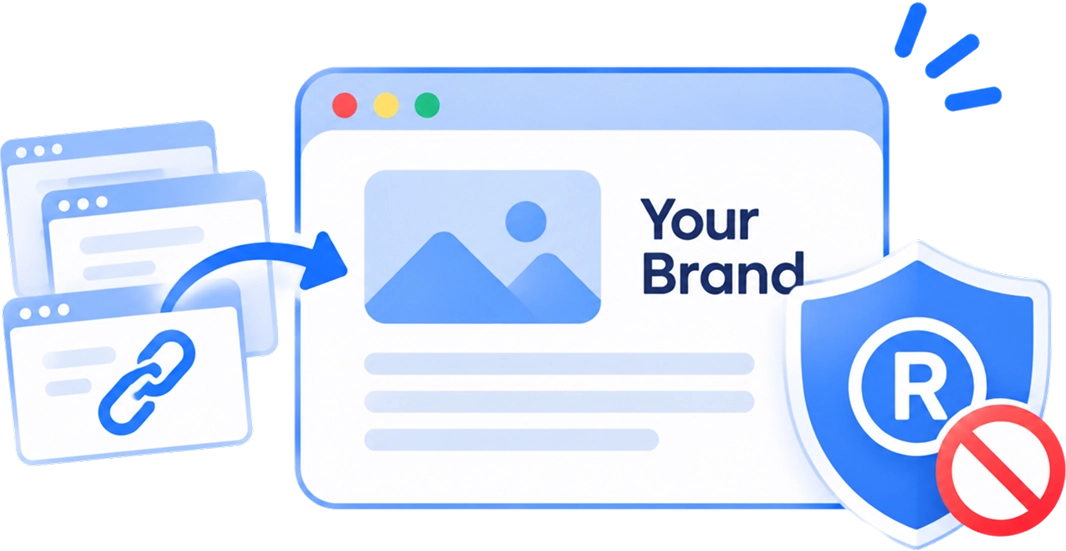
Brands that get backlinks

Other sites link to you and use your name. Your policy keeps your logo and trademarks off-limits without permission.

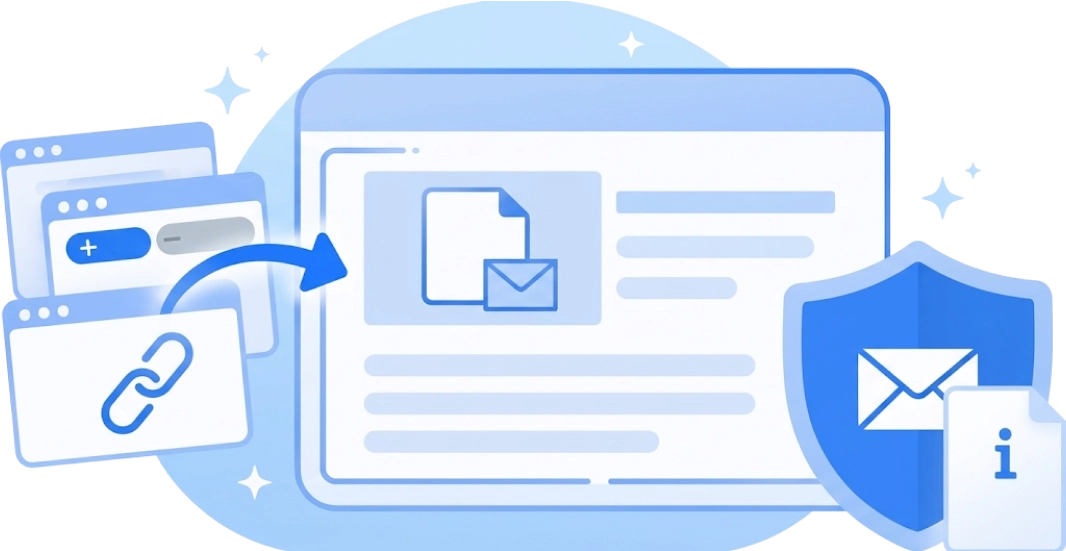
Sites that get link requests

Owners ask to be added or removed. Your policy gives them one email address and tells them what to expect.

• How It Works •

Create Your Linking Policy in Three Simple Steps

Choose what it covers. Answer six questions. Publish.

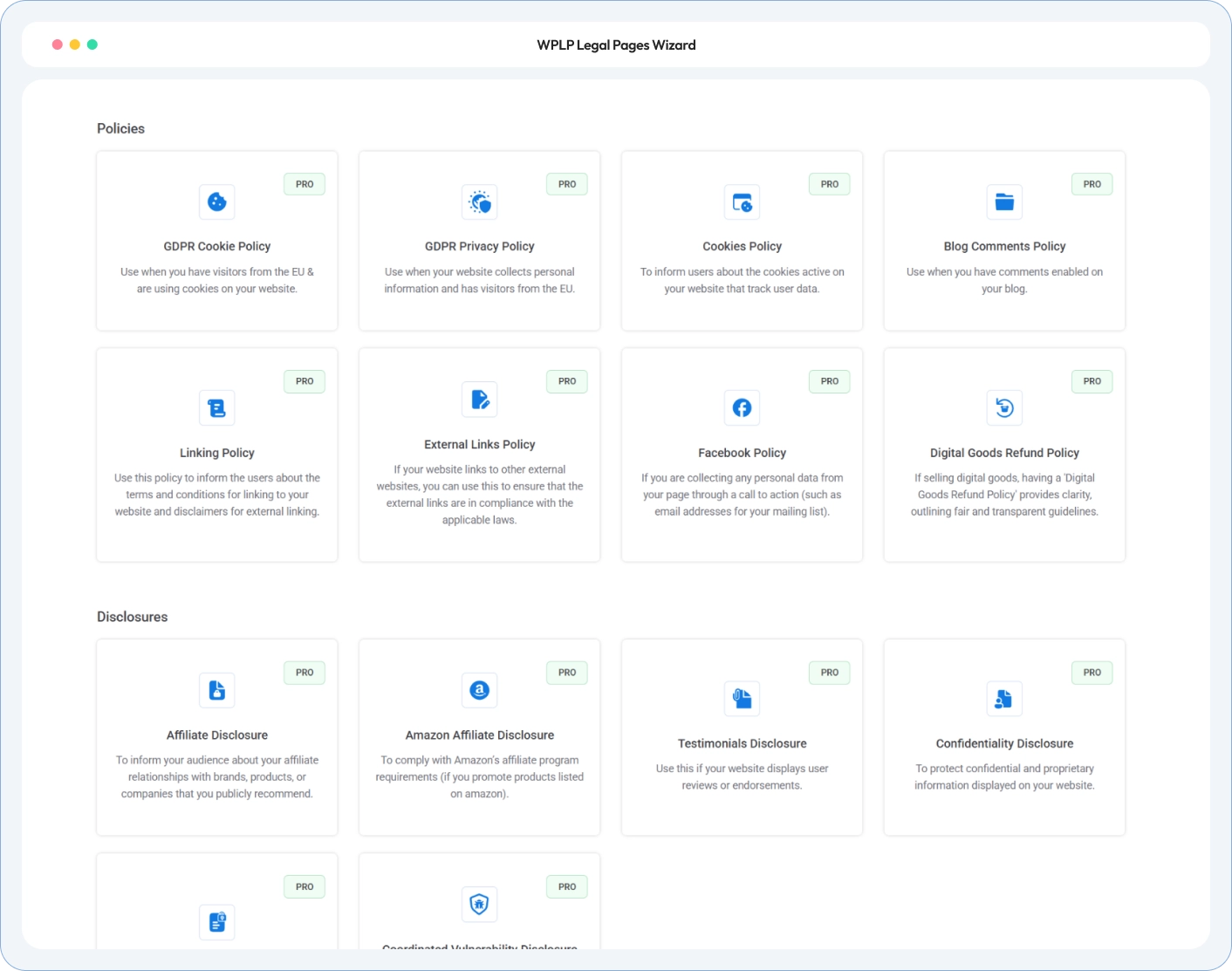
Choose What It Covers

Pick links to your site, links to other sites, or both. The page title changes to match: Links Policy, Linking Policy or External Links Policy.

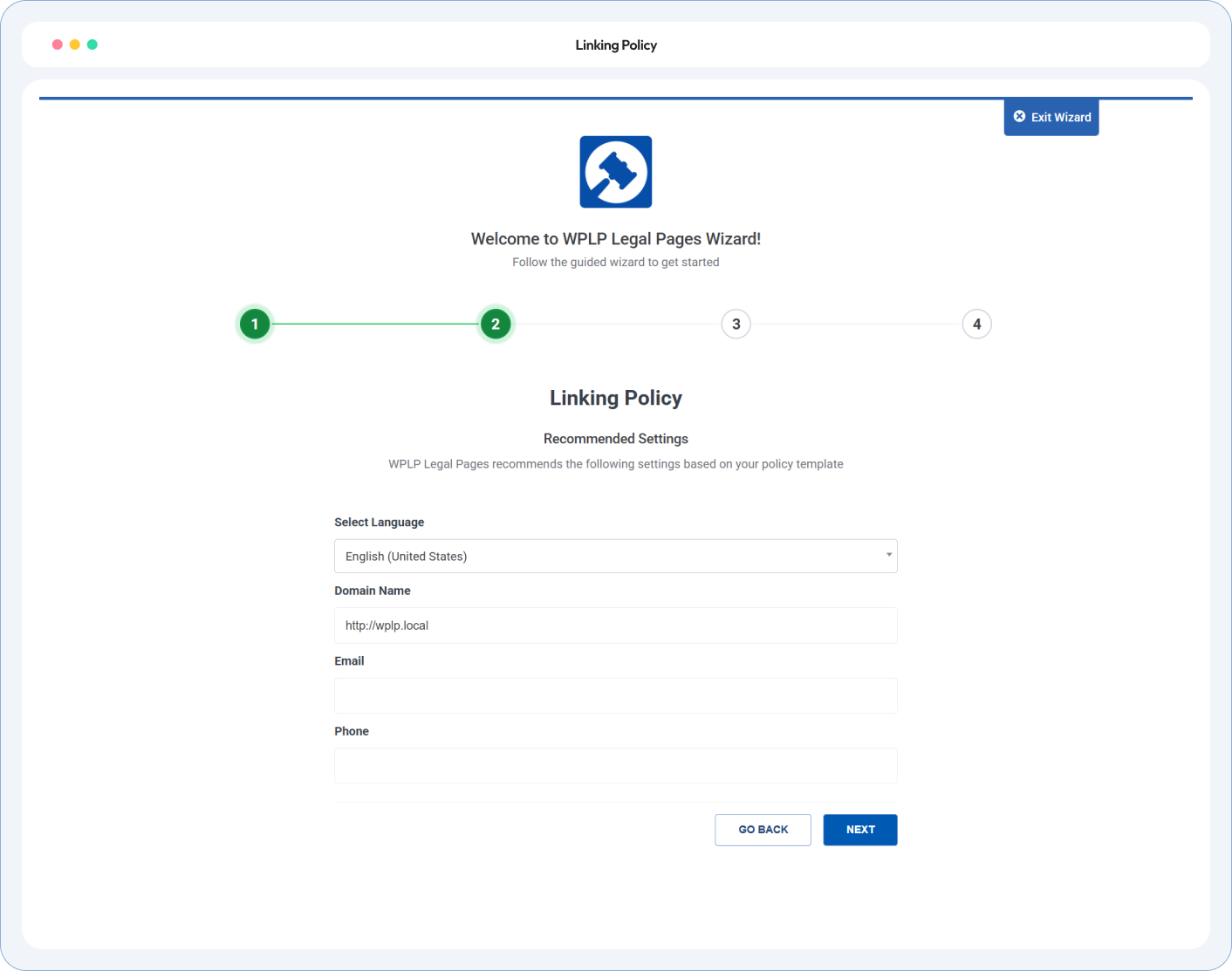
Answer and Review

Tell us about affiliate links, link requests, your press page and the link standards you follow. Your business name and contact email fill in from your settings. Read the policy before it goes live.

Publish to WordPress

One click and the page is live. Add it to your footer with your other legal pages. If you use affiliate links, add a disclosure next to those links too.

• Linking Policy Generator •

Every Link Rule Your Site Needs, Written Down

Your site name, your contact email, your choices. Sections you don’t need are removed, so visitors read only the rules that apply.

Links to Your Website

Let Sites Link to You, on Your Terms

External Links Policy

An Outbound Link Disclaimer Visitors Understand

Linking Policy Templates

Affiliate Links, Link Requests and Reports, Covered

• Policy Preview •

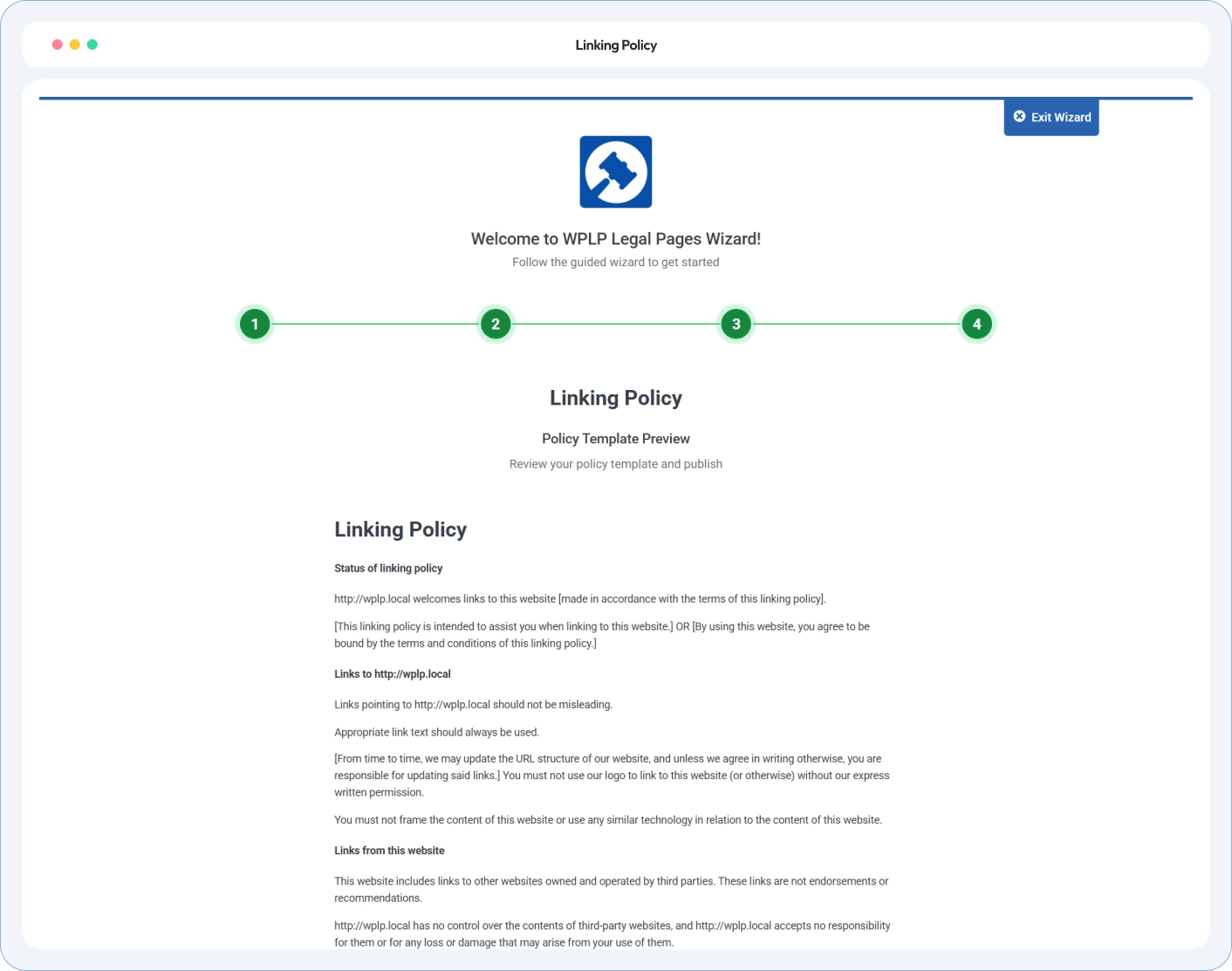
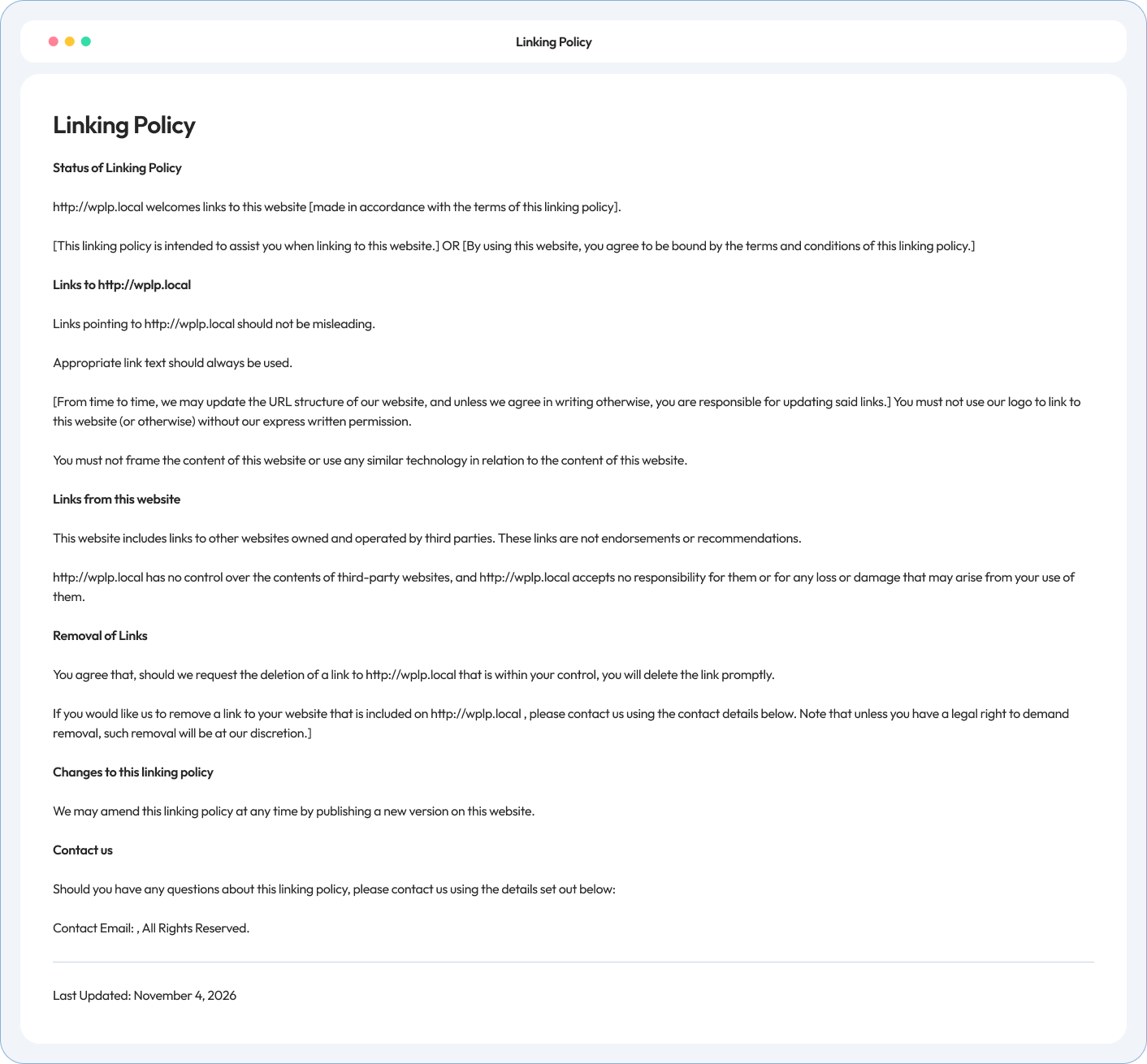
How Your Linking Policy Will Look

A sample Links Policy with every section on. Yours shows only what your site needs.

• Testimonials & Reviews •

Feedback From the WordPress Community

4.7/5 on WordPress.org • Based on 20,000+ active WordPress installs

What our customers are saying

Site owners, agencies and developers on how WP Legal Pages handles their legal pages.

• Have Questions •

Linking Policy FAQs

A Linking Policy covers links that point to your site. An External Links Policy covers links on your site that lead elsewhere. The Links Policy covers both on one page, and you pick the version in the wizard.

Add it to your footer with your other legal pages. If you have a resources or links page, link it there too.

Not on its own. People who link to you usually haven’t agreed to your policy, so it sets guidelines, not a contract. To stop a harmful link, such as one that misuses your trademark, get legal advice.

The policy says you don’t control other sites, and limits your responsibility “to the extent permitted by law”. How far that applies depends on where you and your visitors are.

Yes. Turn on affiliate links and it adds an affiliate line that links to your Affiliate and Advertising Disclosures page. You still need a disclosure next to each affiliate link.

No. They’re optional. Choose only the standards you actually follow, such as relevant, accurate and lawful.

Get specialist advice first. Public bodies have extra rules for choosing links, and the wizard warns you if you say you’re a public body.

Check Your Compliance Score

Run our free compliance audit in 60 seconds without installing anything.

• Know More •

Pages your linking policy links to

Your linking policy points visitors to other legal pages. WP Legal Pages generates those too.

Affiliates and advertising dislosures

Asks EU, UK and Swiss visitors for consent before personalised ads load.

Privacy Policy Generator

Your linking policy tells visitors when your Privacy Policy stops applying. Publish one that matches your site.

terms of use

Sets the rules for using your site, with an outbound link disclaimer that matches your linking policy.

Publish one policy for every link in and out

Answer six questions. Publish one page that covers who can link to you, the links that leave your site, and your affiliate links.