
Generate a comment policy that tells commenters what’s allowed, how you moderate, and how to report a problem. Answer a few questions, and publish it to WordPress in one click.
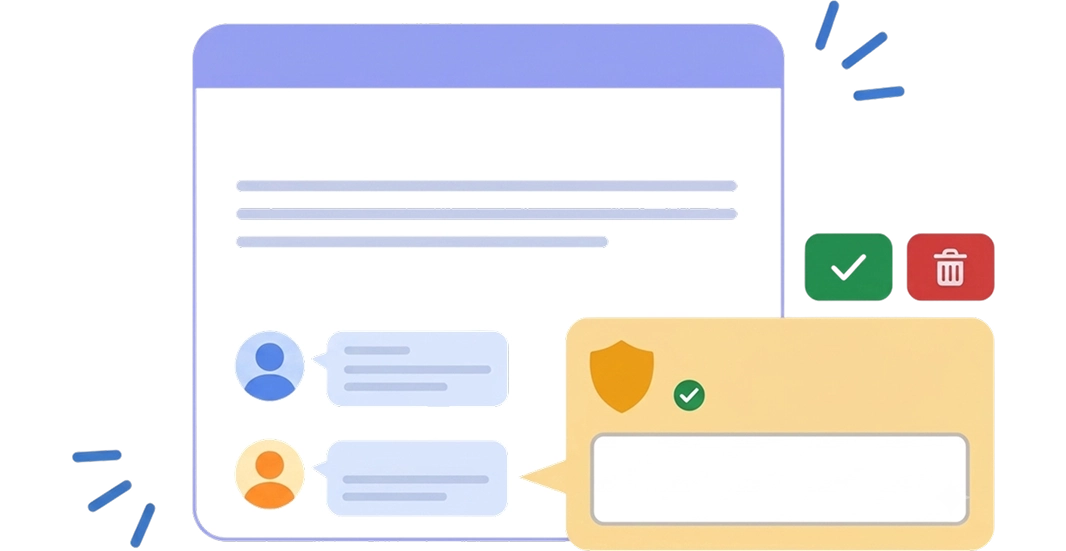
A comment policy is the rulebook for your comment section. It tells people what they can post, what gets removed. and what happens to the details they enter in your comment form.
When you remove a comment, you can point to the rule it broke.
It also answers the questions commenters ask: Why hasn’t my comment appeared? Who sees my email address? How do I report an abusive comment?
• Do You Need One? •
Anyone can post. You need a clear reason when you remove something.
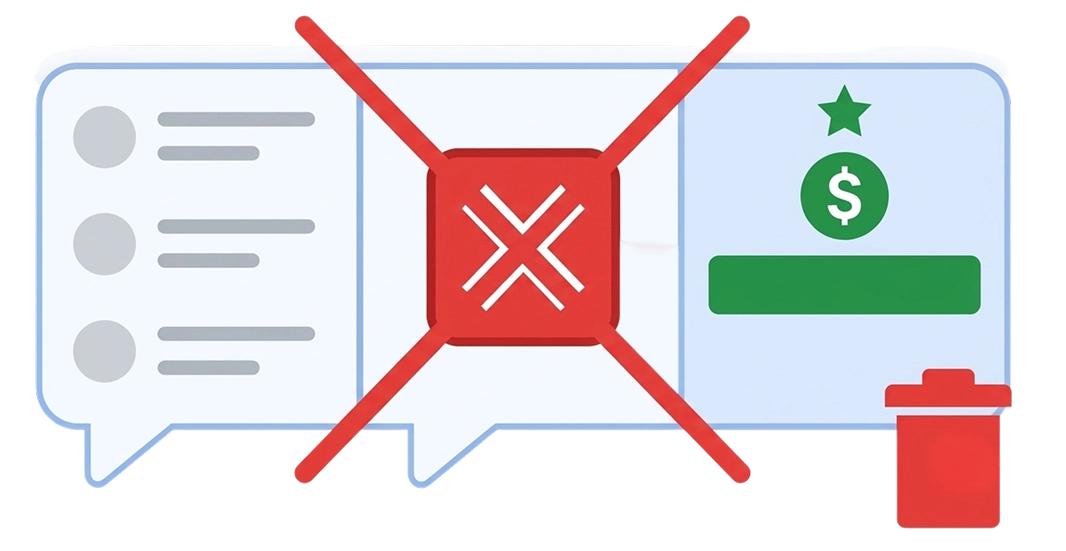
Link-stuffed comments, fake promos and bulk AI comments. Your policy says they'll be removed.
If commenters review products you sell or promote, your policy says how you handle negative reviews.
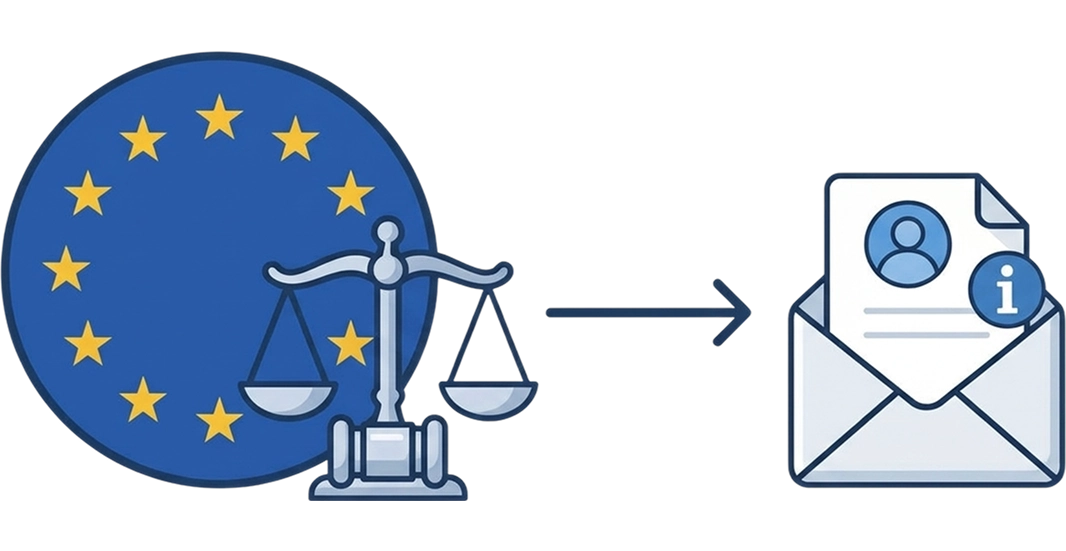
Your policy can explain how you tell people why their comment was removed, where the law requires it.
Tell the generator how your site earns. Review the text. Publish.
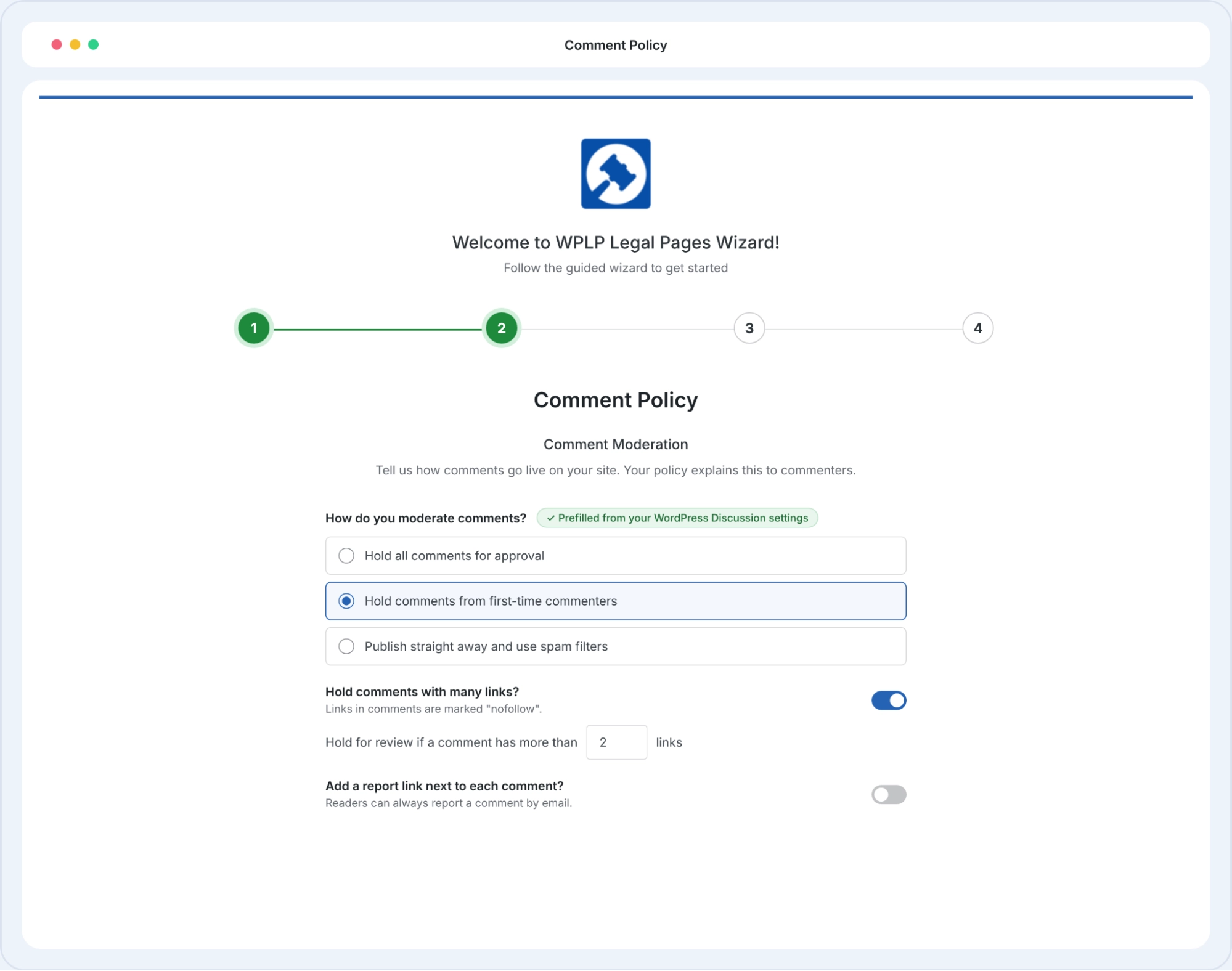
Choose how comments go live, whether to hold link-heavy comments, and whether to ban bulk AI comments. {PREFILL} Your answers start from your WordPress Discussion settings, so most of this is already filled in.
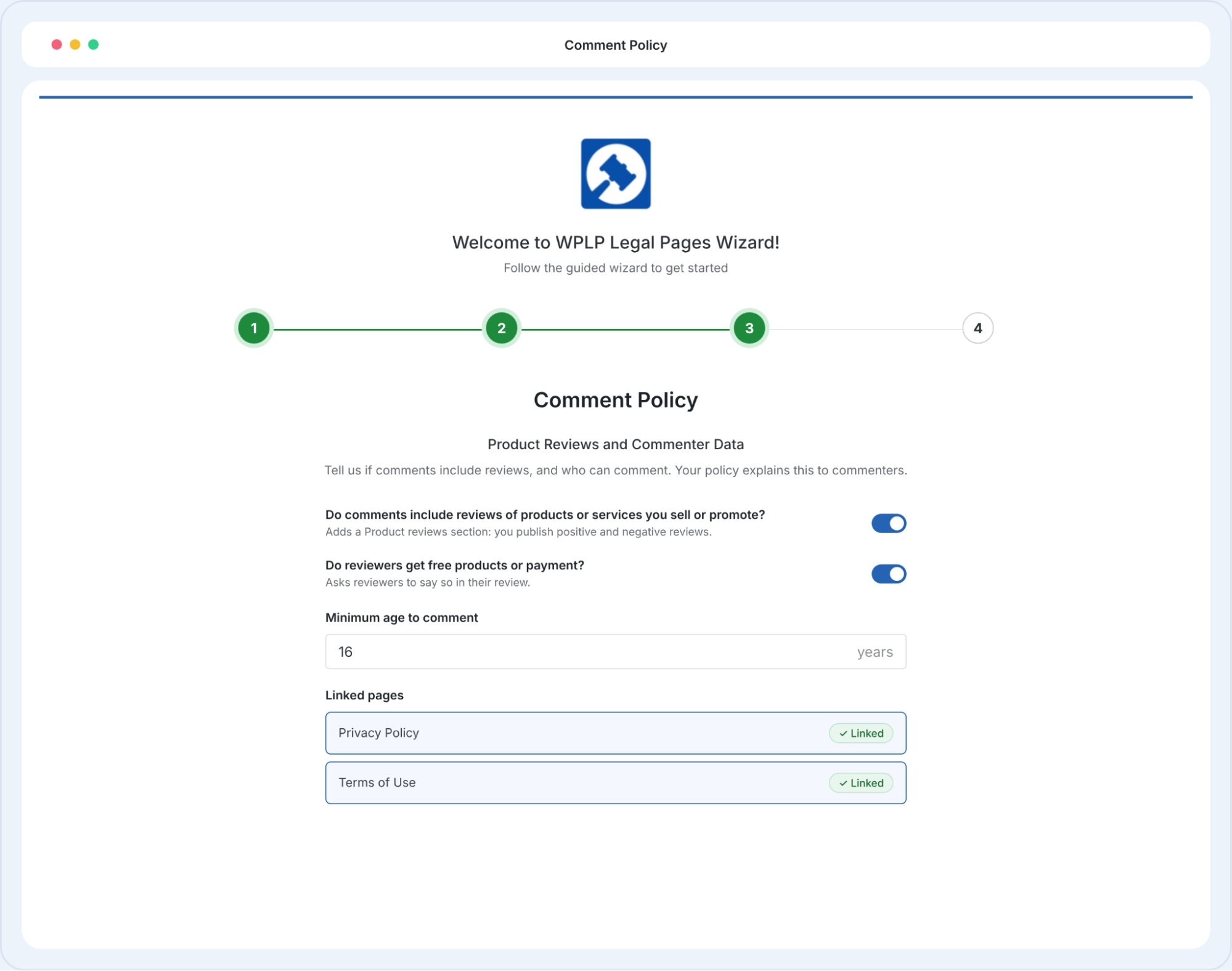
Read the policy before it goes live. Set your review time for held comments, your minimum commenter age and your contact email.
One click and the page is live. Then add a line next to your comment form: "Please read our comment policy before posting."
Your site name, your moderation settings, your contact details. Sections you don’t need are removed, so commenters read only the rules that apply.
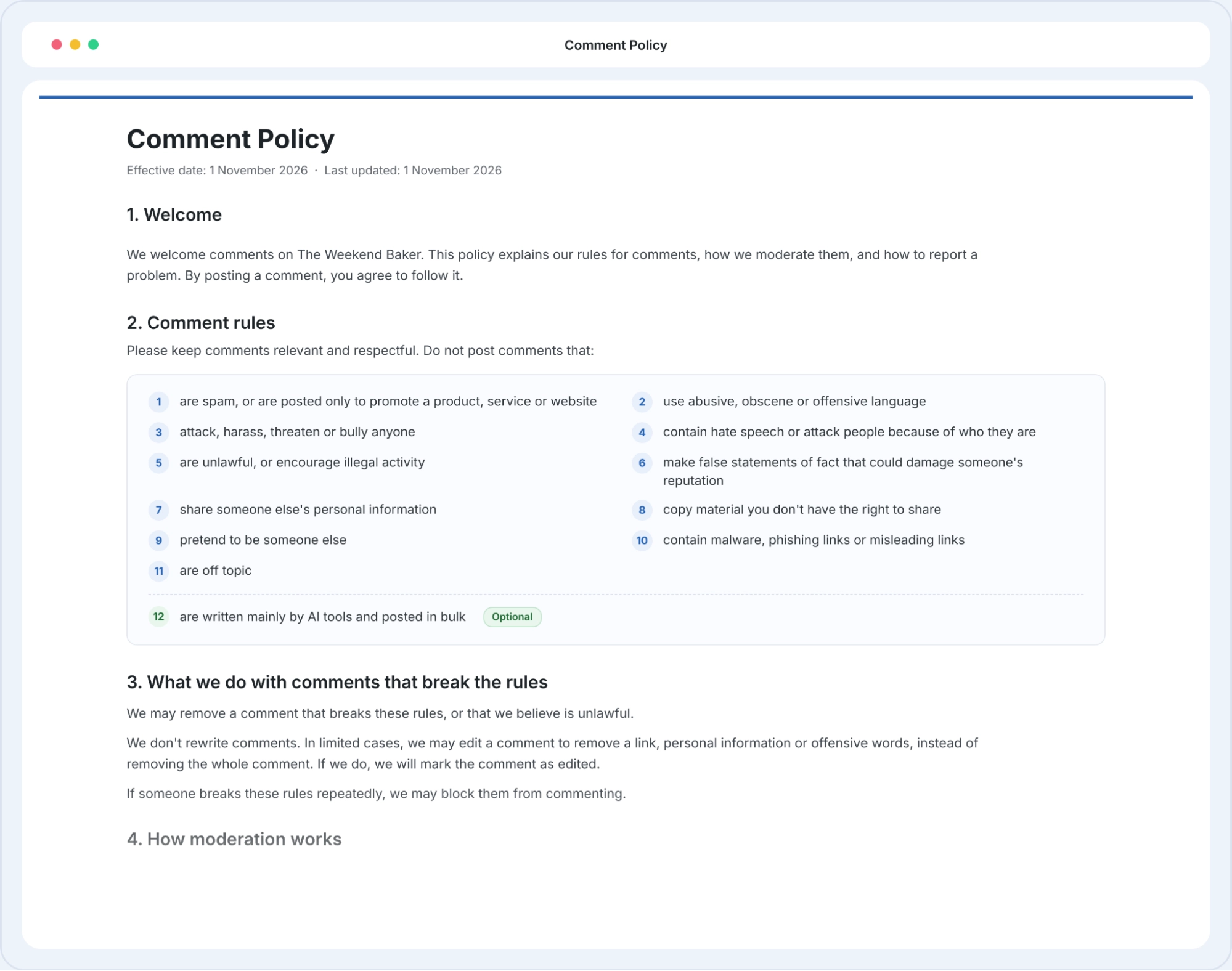
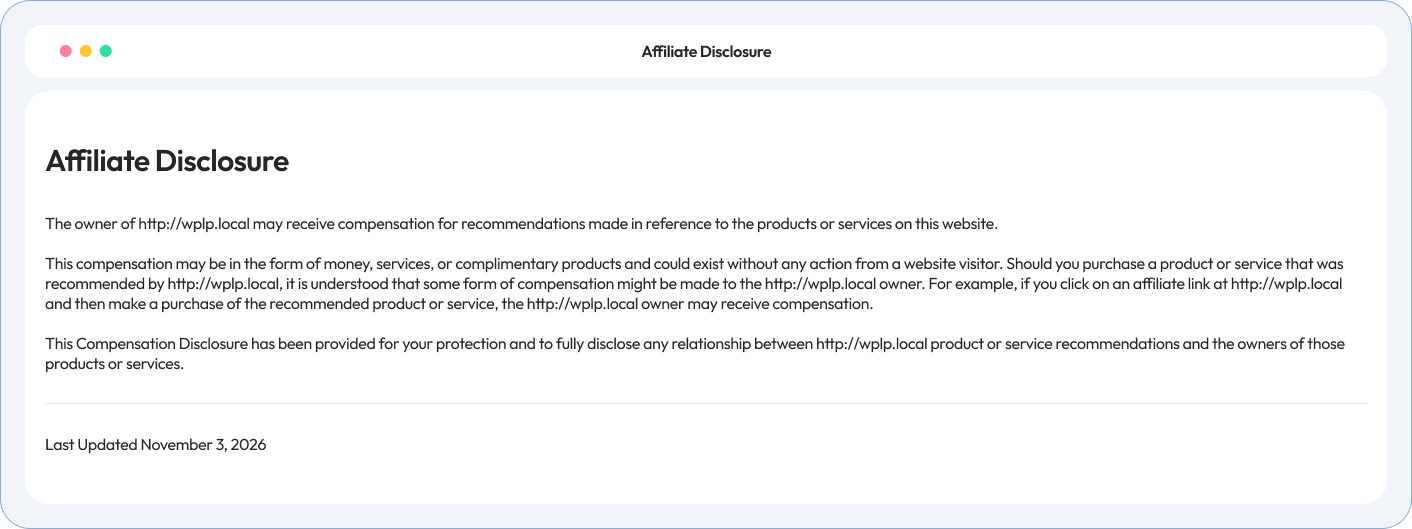
• Policy Preview •
Below is a preview of what your affiliate disclosure will look like when you generate it using WP Compliance
4.7/5 on WordPress.org • Based on 20,000+ active WordPress installs
Site owners, agencies and developers on how WP Legal Pages handles their legal pages.
Link it next to your comment form, for example: “Please read our comment policy before posting.” You can also add it to your footer with your other legal pages.
You can remove comments that break your rules. If comments include reviews of products you sell or promote, don’t remove them only because they’re negative. The generated policy says you publish positive and negative reviews.
Only in limited cases. The policy lets you remove a link, personal details or offensive words instead of deleting the whole comment. You mark the comment as edited and don’t rewrite it.
Yes. You choose one of 3 moderation options: hold all comments, hold first-time commenters, or publish straight away with spam filters. {PREFILL} The generator starts from your WordPress Discussion settings.
Yes. Turn on the optional rule against comments written mainly by AI tools and posted in bulk.
The policy says you may block repeat offenders from commenting.
No. The comment policy lists what your comment form collects and links to your Privacy Policy for how you use it and how people ask to delete it.
Run our free compliance audit in 60 seconds without installing anything.
Your comment policy points visitors to other legal pages. WP Legal Pages generates those too.
Explains the permission commenters give you to display their comments.
Explains how you use the names, emails and IP addresses your comment form collects.
Where people send copyright claims about a comment.
Answer a few questions about how you moderate. Publish one page that covers your rules, removals, reports and commenter data.