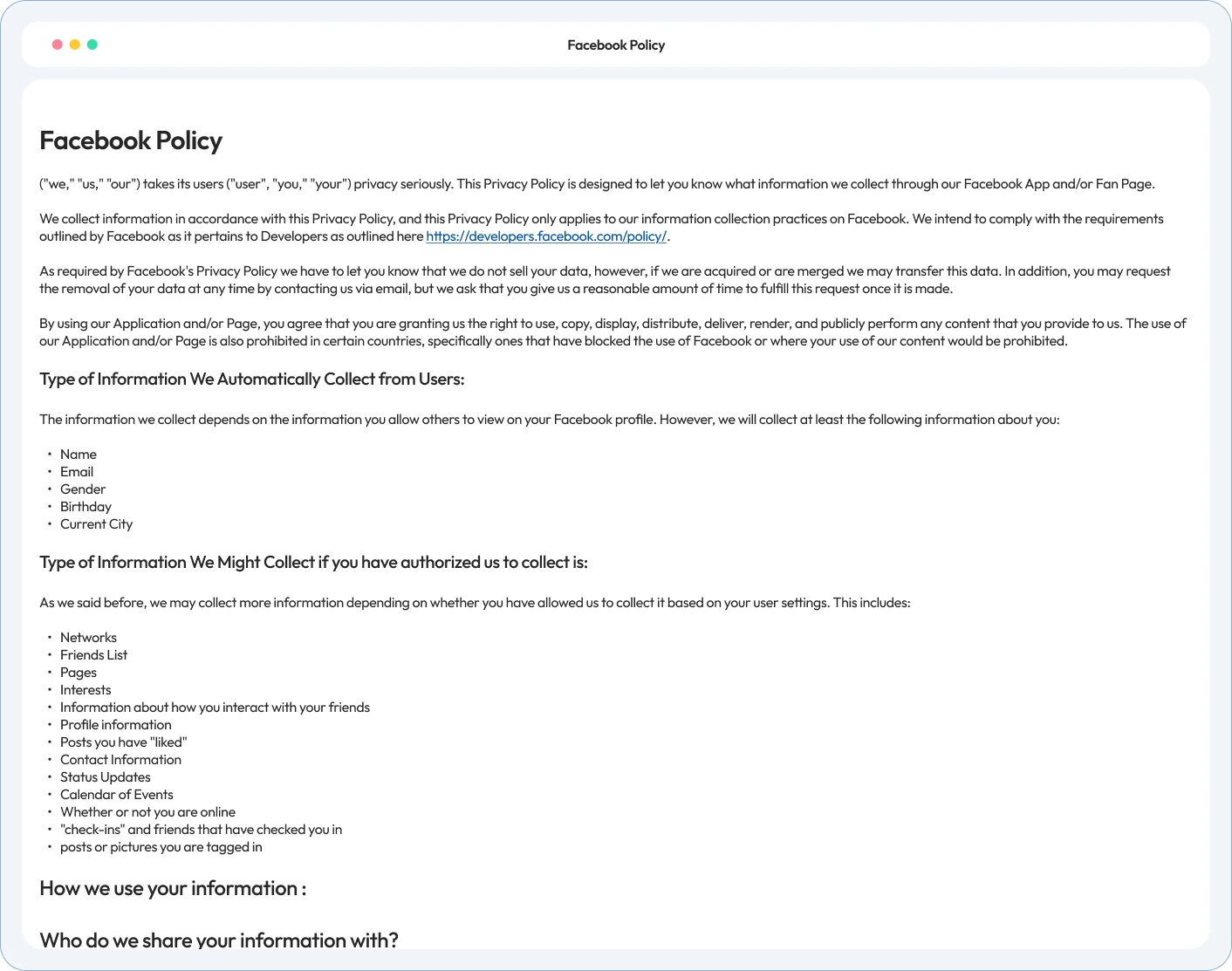
Meta asks for a privacy policy link before you can run a lead ad. Your visitors need to know what the Pixel on your site tracks. WPLP Legal Pages writes that policy from your answers and publishes it on your WordPress site.
The Facebook Policy template is part of the 30+ template on every library on every paid plan.
The Facebook privacy policy generator uses the same guided wizard as every WPLP Legal Pages template. Your business details, including your social profile links, fill in once and carry into every page you generate.
4.7/5 on WordPress.org • Based on 20,000+ active WordPress installs
Hear from site owners, agencies and developers who simplified their WordPress legal compliance.
Can’t find what you’re looking for? Email us at [email protected].
es. Meta asks for a link to your privacy policy when you set up a lead ad form. The link has to go to a public page, so you can’t paste the policy text into the form itself.
What you collect (for example, names and emails from a lead form), what you use it for, who you share it with, and how people can ask you to delete it. If your site uses the Meta Pixel, say so, say what it tracks, and say how visitors can opt out.
Yes. Meta’s Platform Terms ask app developers for a public privacy policy that explains what data the app processes, why, and how users can request deletion. Publish the page, then add its URL to the privacy policy field in your app dashboard.
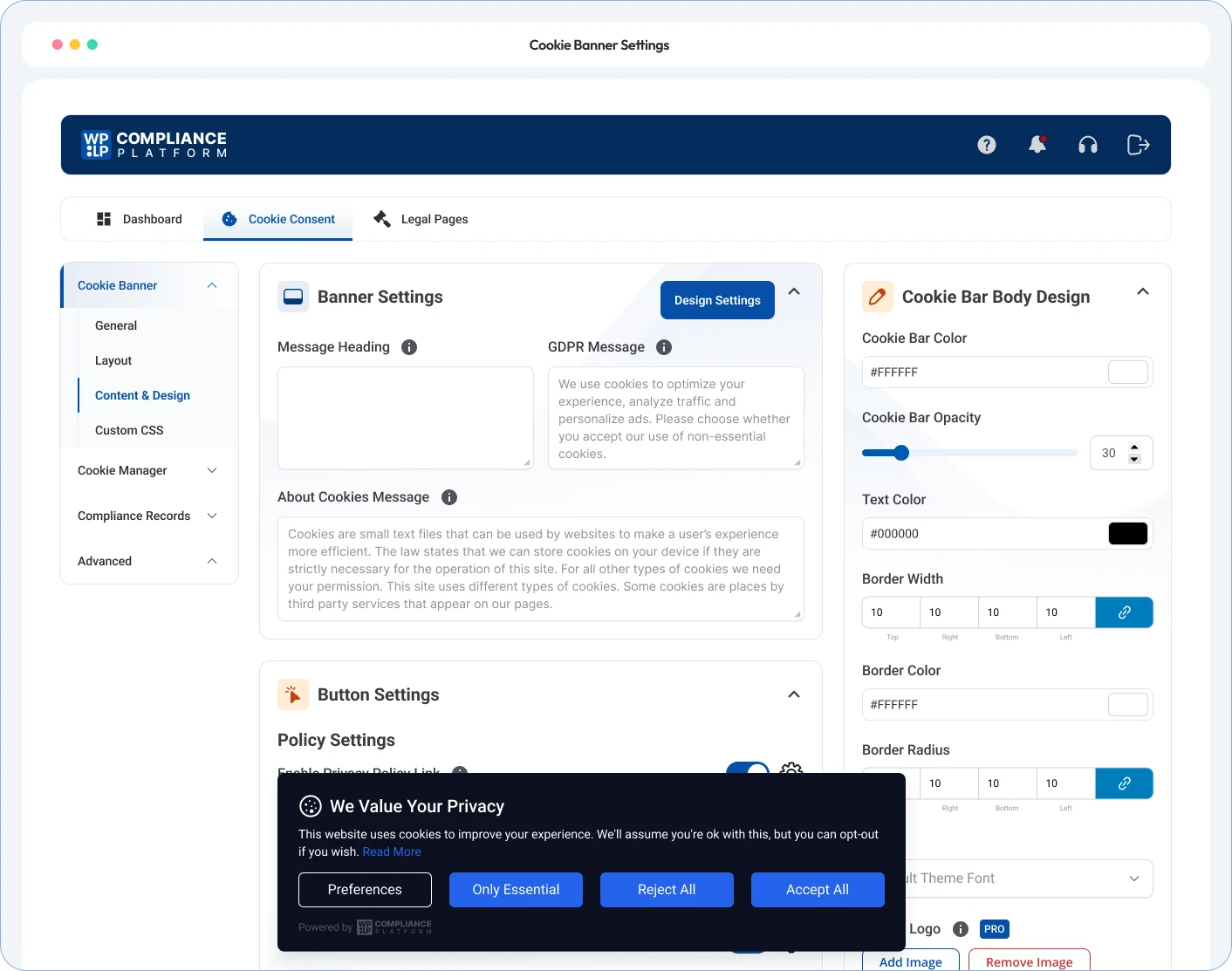
Yes. The template has sections for the Pixel, what it tracks on your site, and how you use that data for remarketing. The policy discloses the tracking. To hold the Pixel until visitors agree, use a cookie banner that blocks scripts before consent, such as WPLP Cookie Consent.
No. It’s in the 30+ template library on every paid plan: Professional, Business, and Agency. The Free plan has 4 templates: Standard Privacy Policy, Terms of Use, DMCA, and Standard CCPA.
It covers the Facebook-specific part of your data use. If you have visitors in the EU or California, add a GDPR or CCPA privacy policy too. Both are in the same paid template library.
Publish it from the wizard in one click. Add it to your site footer with the free footer link setting, then paste the page URL into your lead form or ad setup.
Take the free compliance audit to see what your site tracks today, including the Meta Pixel. Then publish a Facebook privacy policy that says so.